
AI QR code art
AI QR code art that actually scans
Just need a plain QR code? Free QR code generator, no sign-up →
- Control image decoded before you spend an image
- Finished art checked after generation
- You confirm with your own phone


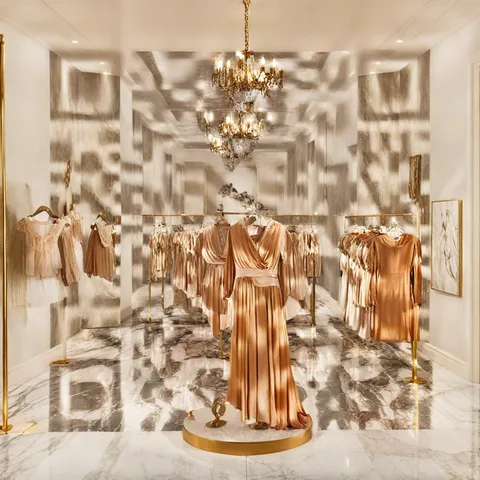
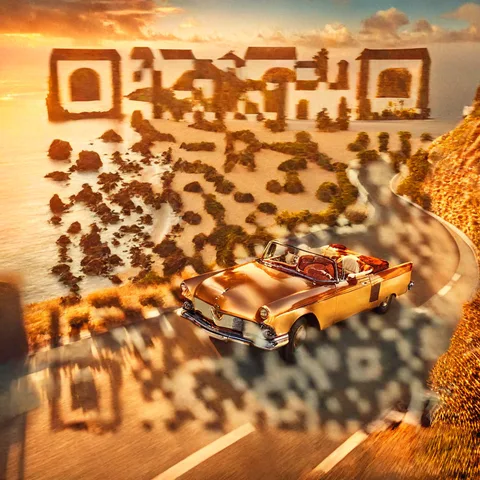
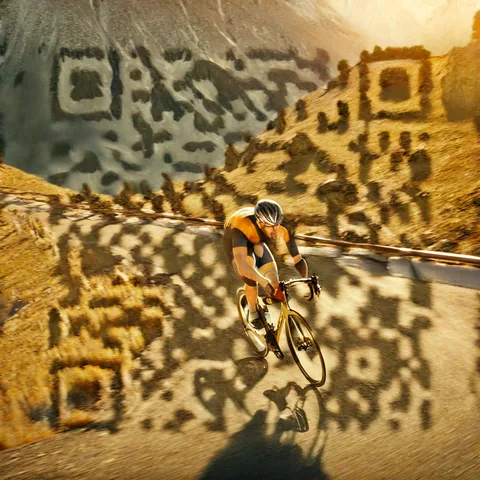
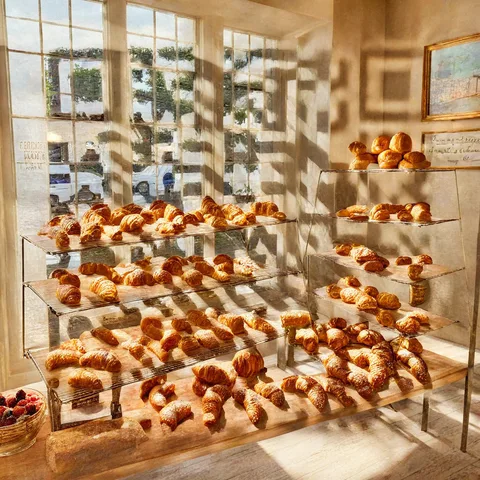
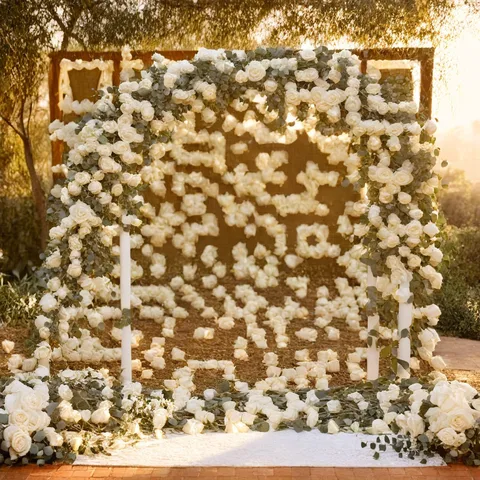
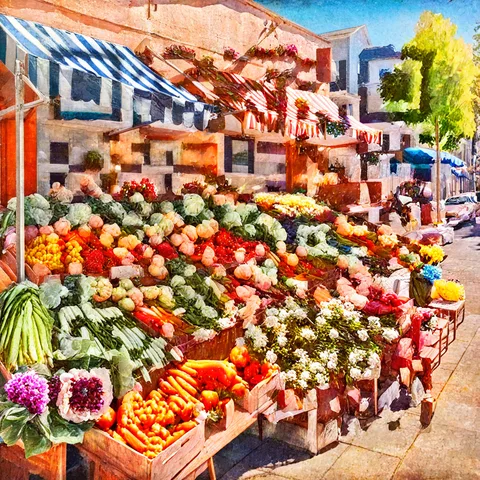
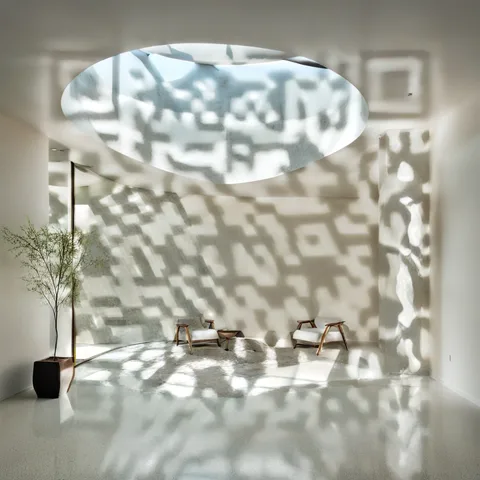
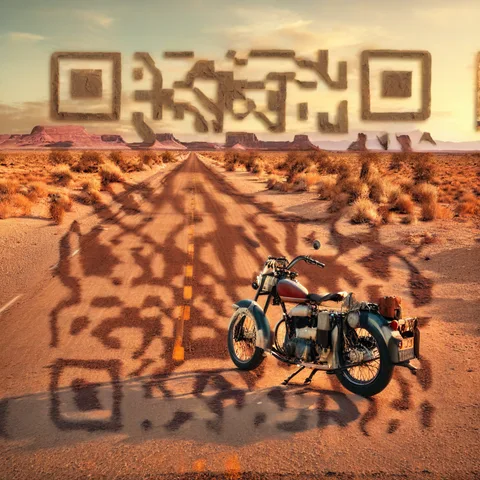


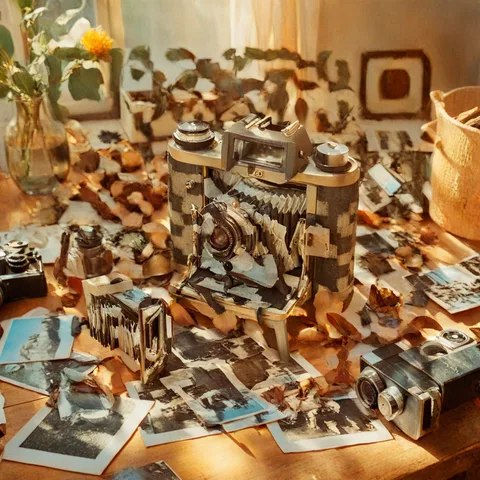
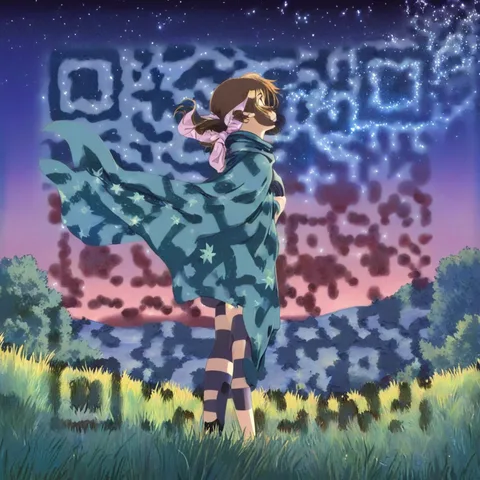

Every example is a real QR code — try scanning one
Go on — scan any of these with your phone
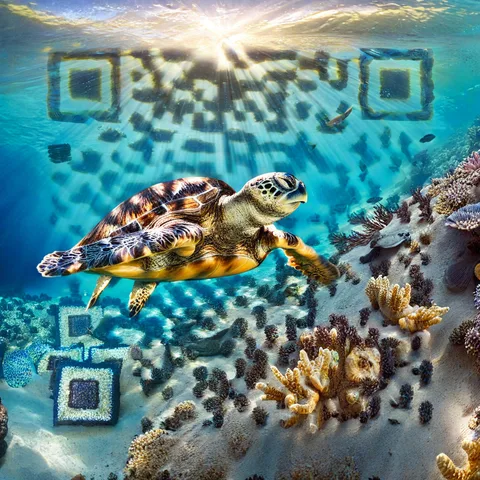
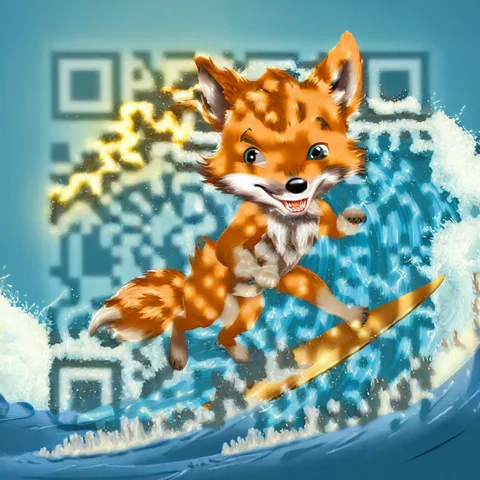
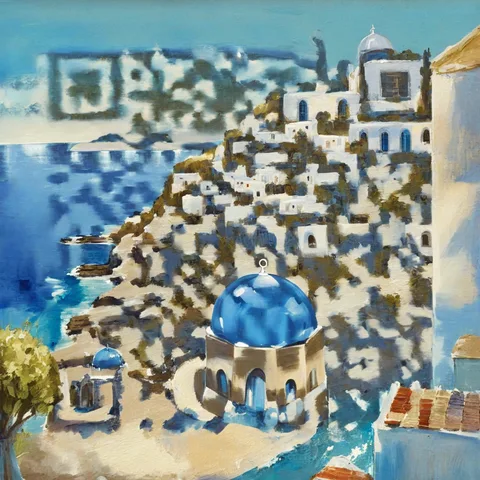
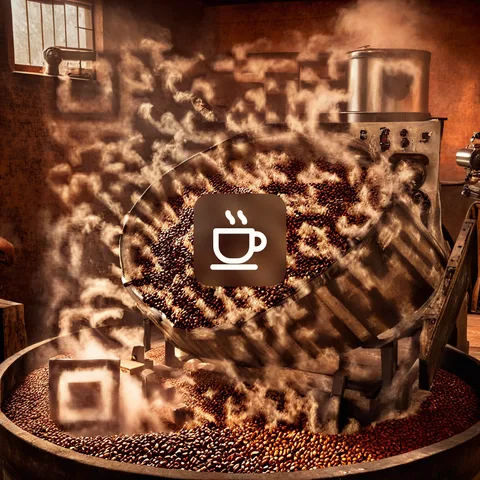
Every example here is a real QR code made with ZapQR and tested on a phone. Each one opens our gallery page, where you can see the prompt behind it.
Do AI QR codes work? See our 14-code phone scan test →
How it works
Paste your link and describe a scene
Start from a real example or write your own prompt, then pick a code size and a structure strength.
We check the code before and after
Your control image is decoded before any paid generation, and the finished art is checked automatically when it is ready.
Scan it on your phone, then download
Automatic checks are not a guarantee. Test the art on screen with your phone, add a logo if you like, and download the original PNG.
More art or more scannable — you choose
Structure strength runs from 2.0 to 2.5. Lower values let the scene take over; higher values keep the code crisp. Most of our gallery uses 2.2, while dark, neon and space scenes use 2.4 or higher.
Browse the gallery for ideas
See every example with its prompt and settings, then use one as the starting point for your own.
Making a flyer or poster? Flyer and poster QR code art →
Free QR code generator, no sign-up
Need a plain, printable code? Create URL, text, WiFi and other QR codes right in your browser. Nothing is uploaded.
- Free QR code generatorAll classic QR code types on one page. No sign-up, nothing uploaded.
- Free URL QR Code Generator: Convert Any Link to QR CodeCreate a free URL QR code for links, menus, forms or profiles. Customize the design and download PNG/SVG with no signup.
- Text QR Code Generator: Display Messages InstantlyCreate a free text QR code for messages. Customize colors or logo, add error correction and download PNG/SVG with no signup.
- WiFi QR Code GeneratorCreate a free WiFi QR code guests can scan to connect. Supports WPA/WPA2, WEP and open networks. No signup; download PNG or SVG.
- Batch Generate QR CodesPaste lines or upload CSV, Excel, or TXT files to create one static QR code per row. Download PNG, JPG, or SVG files as a ZIP.
- Learn more about Dynamic QRDynamic QR codes point to a stable ZapQR short link, so the printed QR code keeps working when you edit the destination later.
AI QR code art FAQ
Do AI QR codes really scan?
Many do, but not all. In our scan test, 8 of 14 AI QR codes scanned on both an iPhone and an Android phone, and the scene mattered more than any setting. We decode your control image before any paid generation and check the finished art automatically, but phones read many codes that automatic checks miss, so always confirm with your own phone.
Is ZapQR free?
New accounts get 6 free AI images, granted once. Classic QR codes are free and need no account. A generation that fails does not use an image.
Why do I need an account for AI art?
Generating uses a paid AI model. A verified account lets us keep track of your free images, keep your creations private and prevent abuse. Classic QR codes stay anonymous.
What happens to my link and prompt?
When you press Generate, your link (drawn into a control image) and your prompt are sent to our AI image service to create the image. The result is saved privately to your account. Do not enter personal or sensitive details.
What do code size and structure strength change?
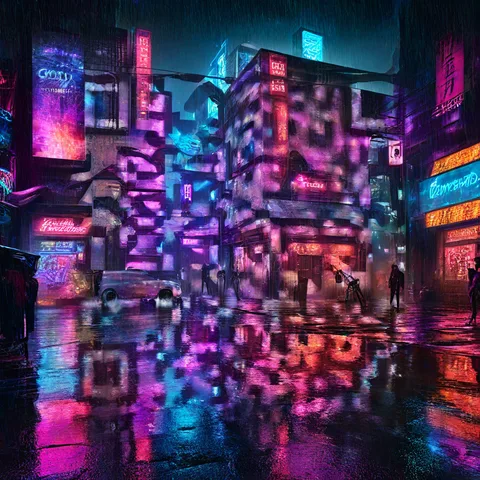
A higher structure strength (up to 2.5) keeps the code clearer; a lower one leaves more room for the art. In our scan test, the standard and large code sizes gave the same result, so choose the size for the look you want. Very dark scenes can fail even at 2.5: our neon street at night never scanned, so make a dark scene brighter (dusk instead of night) rather than relying on strength.
Can I add my logo?
Yes. After generating, pick an icon or a brand logo, or upload your own. It is added on your device when you download and checked for scanning again. Your logo is never uploaded.
Can I change the link after printing?
Yes, if the editable short link was on when you generated the art (it is on by default). The code points to your ZapQR short link, and you can change its destination from your account. Art made with the short link turned off holds your link directly and cannot be changed.
Do classic QR codes expire?
No. A static QR code stores its content directly in the image and does not expire by itself. A URL QR code keeps working as long as the destination page stays online.
Make your first AI QR code
6 free images for new accounts. Classic QR codes are always free.