
Real, scannable examples
AI QR code art gallery
Every image here is a working QR code made with ZapQR and scanned on a phone before we published it. They all open this page — point your phone at any of them.
Our checks and phone tests are not a guarantee for every phone, screen or print size. Always test your own code before you print it. Do AI QR codes work? See our 14-code phone scan test →
Arrived by scanning? It worked — make your own: Open the workspace →
Making a flyer or poster? Flyer and poster QR code art →
How ZapQR checks AI QR code art
Before generation, we decode the plain control QR code. Generation starts only if it reads back the exact link the code should contain.
We read the finished image with jsQR at 1024, 512, 384, 256 and 192 pixels, both as-is and with stronger contrast. If those reads find no match, we also try a lightly blurred, higher-contrast copy at 512, 384 and 256 pixels.
- Exact link read. The image passed the automatic check. Scan it with your phone before sharing or printing.
- No match found. The image is still available to download. Try it with your phone because a real camera can read codes the checker misses.
- Different link on the original image. The result is blocked from download.
In our November 12 offline recheck, the automatic reader matched the intended link in 19 of the 35 phone-tested gallery examples. In a separate 14-code test, it matched 5 of the 8 codes the phones read and passed none of the 6 the phones could not read.
If you mark a result as not scanning, ZapQR suggests generating again with structure strength 0.3 higher, up to 2.5. If you are already at 2.5, try a different scene.
QR code art for businesses
Restaurants, bakeries, gyms, shops, classrooms and a wedding: each scene shows what the place is about before anyone scans. Two of them add a logo after generation.

Trattoria Kitchen
A rustic Italian trattoria kitchen with hanging herbs, copper pots and fresh pasta on a floured wooden table, warm window light, rich depth, cohesive painterly artwork
Remix this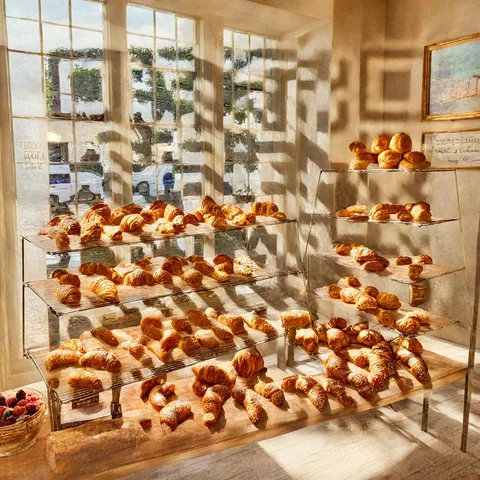
Morning Bakery
A sunny bakery display with golden croissants, fruit tarts and crusty loaves, soft morning light through tall windows, inviting depth, cohesive painterly artwork
Remix this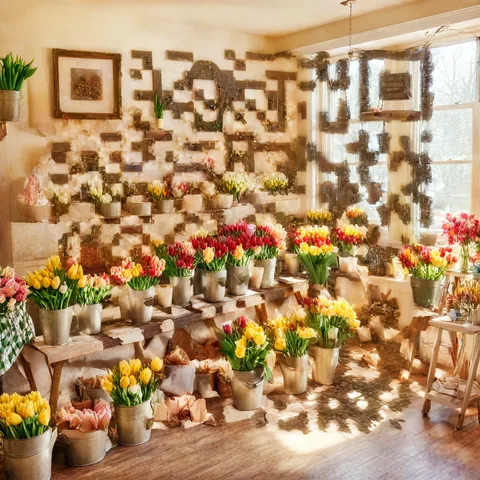
Flower Shop
A charming flower shop interior overflowing with buckets of tulips, roses and sunflowers, soft morning light, fresh and joyful, cohesive painterly artwork
Remix this
Sunlit Gym
A sunlit industrial gym with dumbbells, climbing ropes and green plants, energetic morning light, dynamic cinematic artwork
Remix this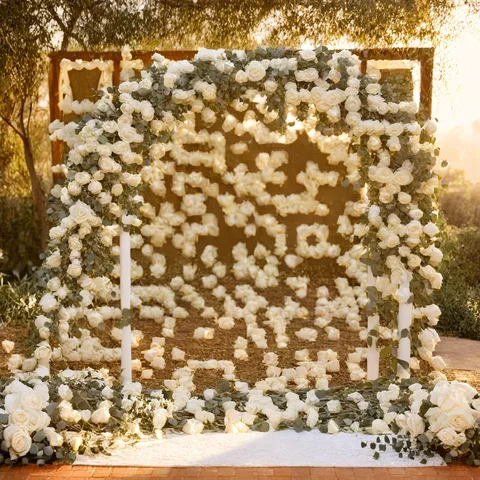
Garden Wedding Arch
A romantic garden wedding arch draped in white roses and eucalyptus, soft golden hour light, petals drifting in the air, dreamy depth, cohesive painterly artwork
Remix this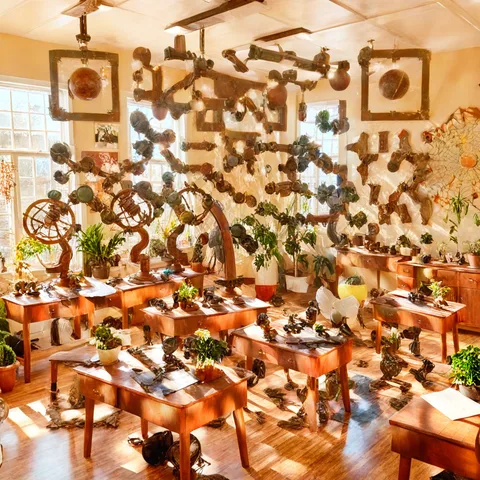
Science Classroom
A bright school science classroom with telescopes, globes and potted plants, curious joyful atmosphere, warm light, cohesive painterly artwork
Remix this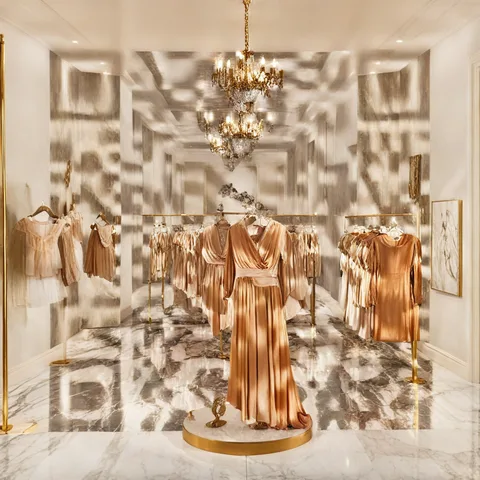
Silk Boutique
A fashion boutique with elegant silk dresses on brass rails, soft spotlights and a marble floor, luxurious refined artwork
Remix this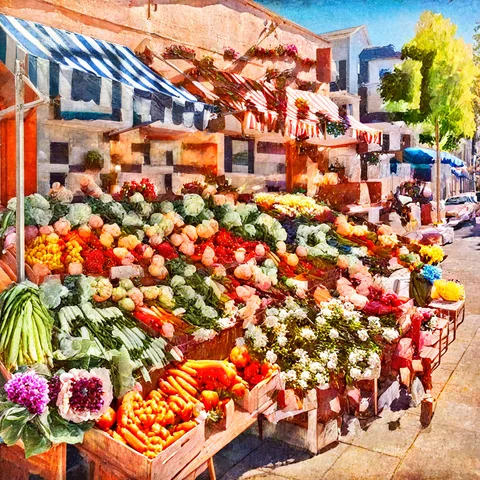
Farmers Market
A colorful farmers market stall piled with fresh vegetables, fruit and flowers under striped awnings, sunny cheerful, cohesive painterly artwork
Remix this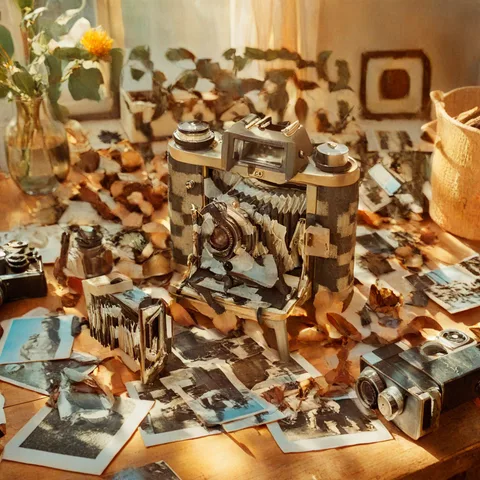
Film Camera Still Life
A vintage film camera on a wooden table among scattered photographs and warm afternoon light, nostalgic still life, cohesive painterly artwork
Remix this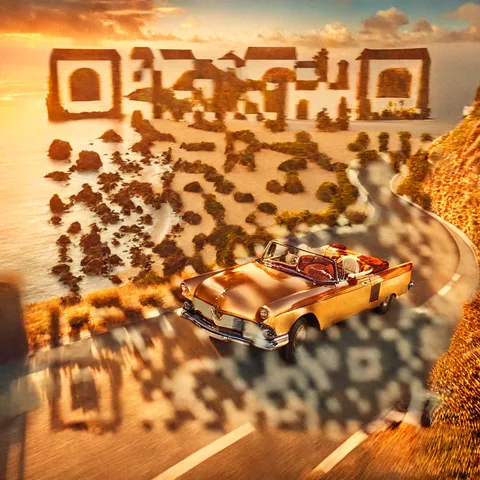
Coastal Convertible
A classic convertible car driving along a winding coastal road at sunset, warm golden light, cinematic painting
Remix this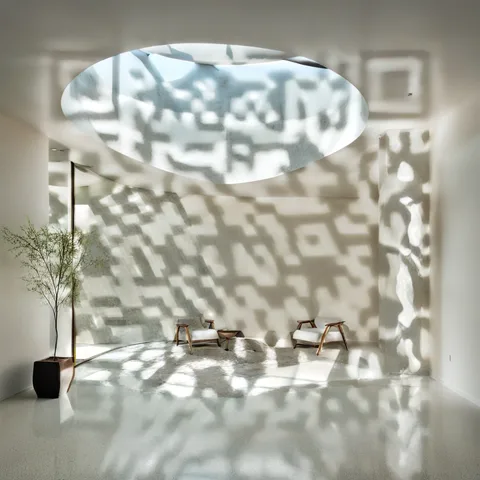
Minimal Architecture
A minimalist architectural interior with sweeping white curves, soft skylight shadows and polished concrete, calm luxurious atmosphere, refined photographic artwork
Remix this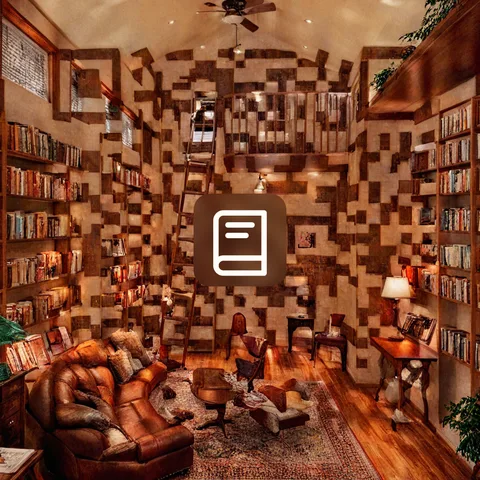
Bookstore with Logo
A cozy bookstore with towering wooden shelves of leather-bound books, a rolling ladder and warm reading lamps, inviting depth, cohesive painterly artwork
Logo added on-device after generation
Remix this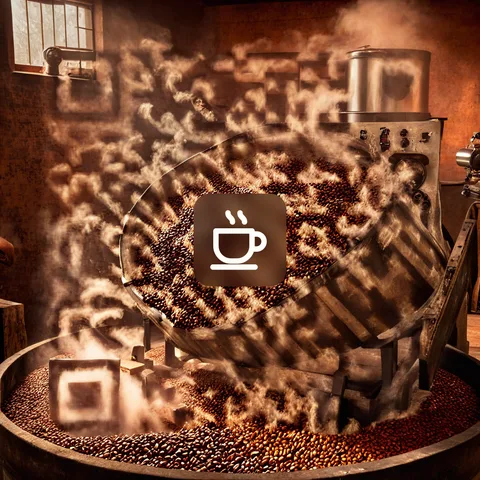
Coffee Roaster with Logo
Coffee beans tumbling from a roasting drum in a rustic roastery, warm light and aromatic steam, rich depth, cohesive painterly artwork
Logo added on-device after generation
Remix this


Cool QR codes: space, travel and fun
Rockets, galaxies, trains, motorcycles, festival posters and Zappy, our mascot. Remix any of them and swap in your own link.
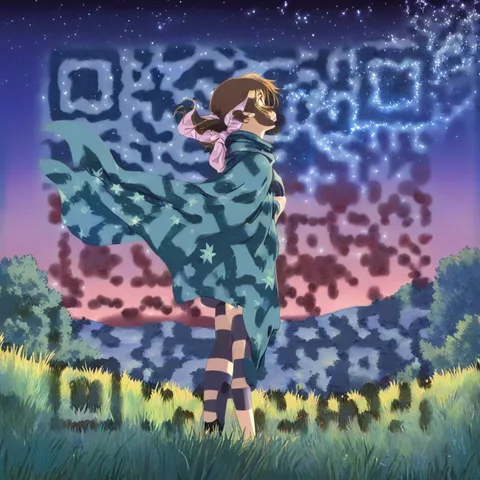
Shooting Star Hill
An original anime-style girl with a flowing scarf standing on a grassy hill under a sky full of shooting stars, vibrant cel-shaded illustration
Remix this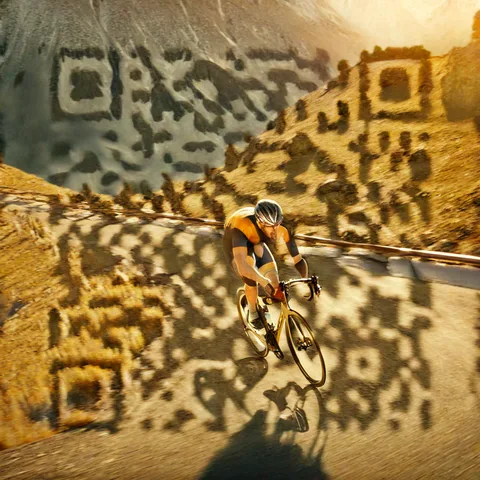
Alpine Cyclist
A road cyclist speeding along a winding alpine pass, motion and golden light, dynamic cinematic artwork
Remix this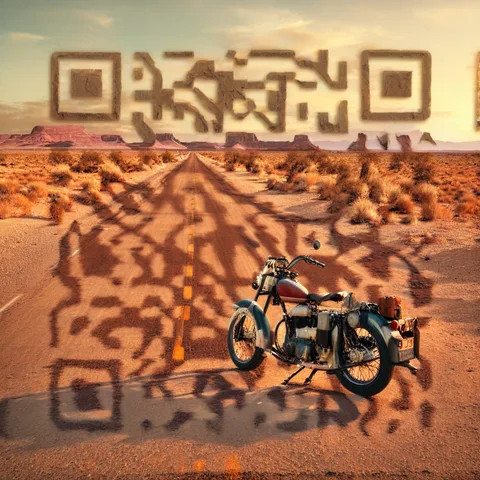
Desert Motorcycle
A vintage motorcycle parked on an empty desert highway at dusk, warm sky, cinematic painting
Remix this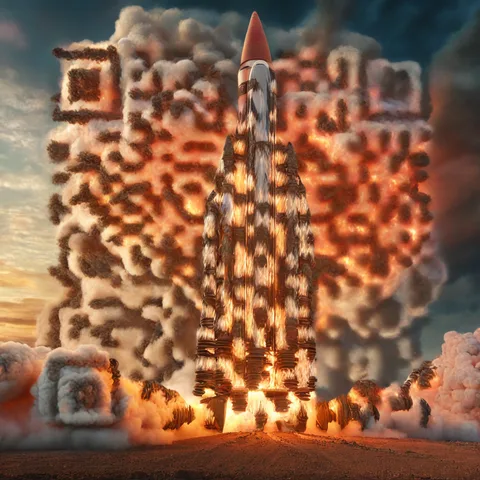
Rocket Launch
A rocket launching at dawn with billowing clouds of smoke and fire, dramatic glowing sky, epic cinematic artwork
Remix this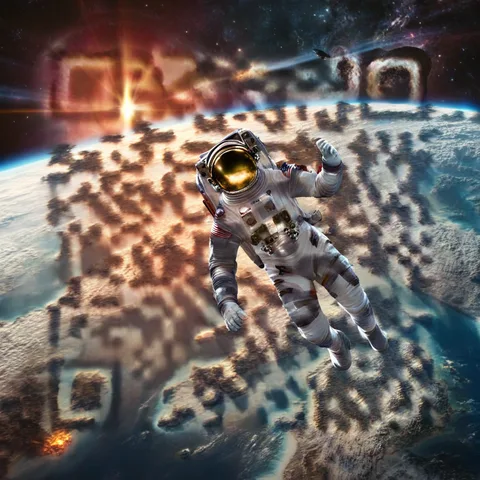
Astronaut Above Earth
An astronaut floating above Earth with a glowing sunrise over the planet's edge, cinematic space art
Remix this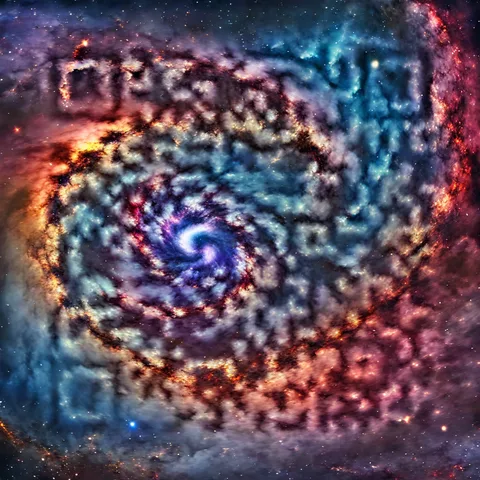
Spiral Galaxy
A swirling spiral galaxy with luminous nebula clouds and bright stars, deep cosmic colors, awe-inspiring space art
Remix this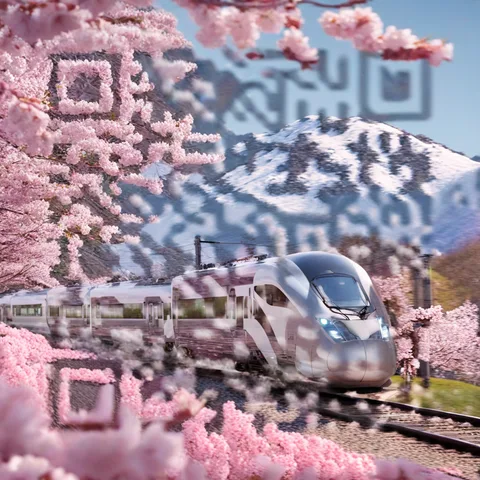
Bullet Train in Blossom
A sleek white high-speed train racing past cherry blossoms and snowy mountains, motion blur, cinematic artwork
Remix this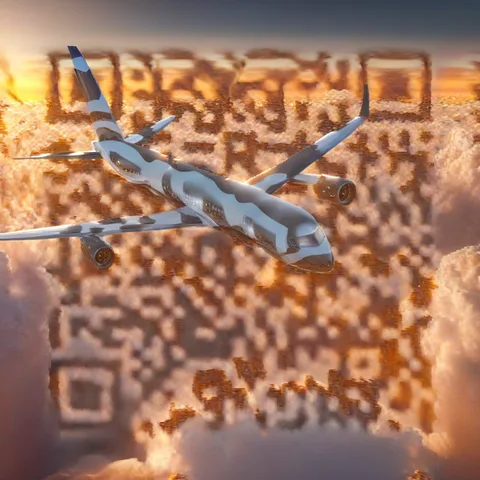
Above the Clouds
A passenger jet flying above a sea of clouds at golden hour, cinematic aviation artwork
Remix this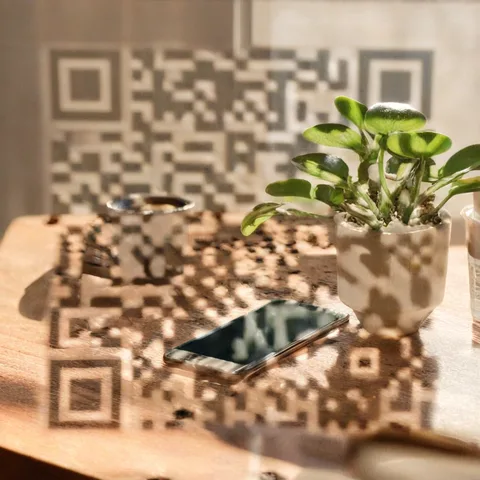
Desk Smartphone
A modern smartphone on a sunlit wooden desk beside a cup of coffee and a small plant, minimal lifestyle still life
Remix this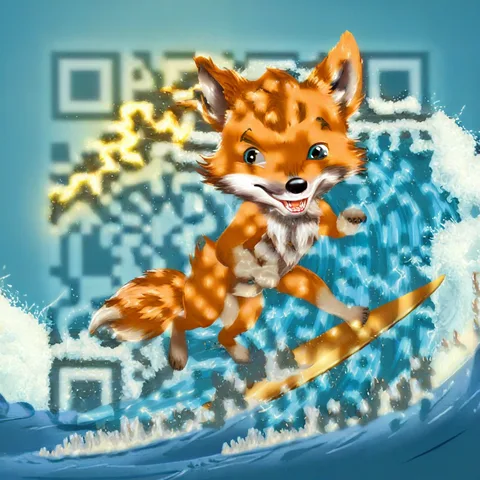
Zappy the Surfing Fox
A cute original fox mascot with a lightning-bolt shaped tail surfing a big blue wave, playful cartoon illustration, sunny
Remix this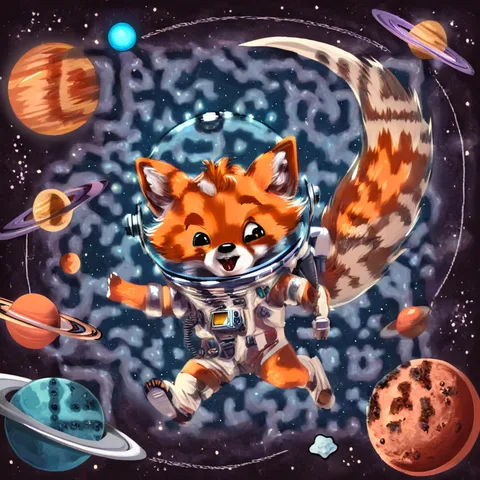
Zappy in Space
A cute original fox mascot with a lightning-bolt shaped tail floating in space in a tiny astronaut suit among planets, playful cartoon illustration
Remix this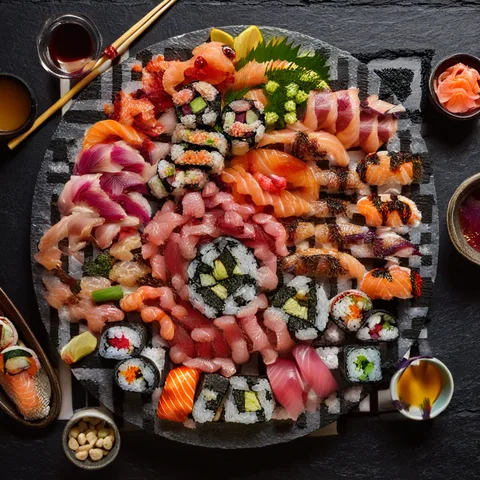
Sushi Platter
An artful platter of sushi and sashimi on dark slate, top-down, fresh vibrant colors, gourmet food artwork
Remix this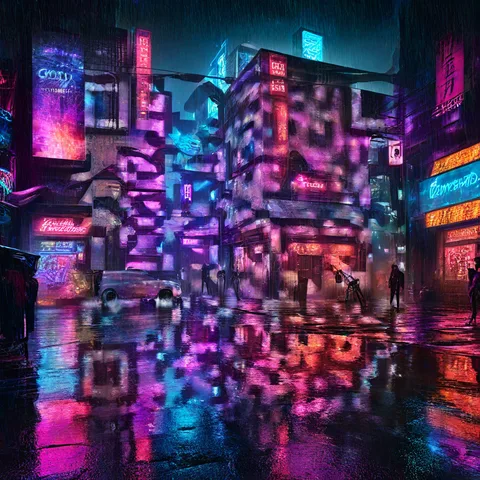
Neon Rain City
A cinematic neon cyberpunk city at night, rain-soaked streets, glowing billboards, dense layered buildings, electric reflections on wet pavement, intricate urban geometry, bold luminous colors, cohesive painterly artwork
Remix this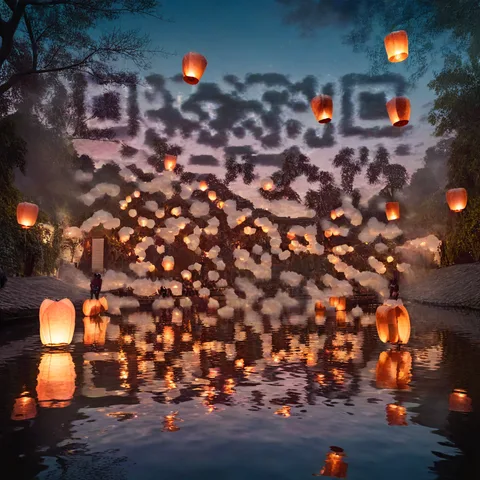
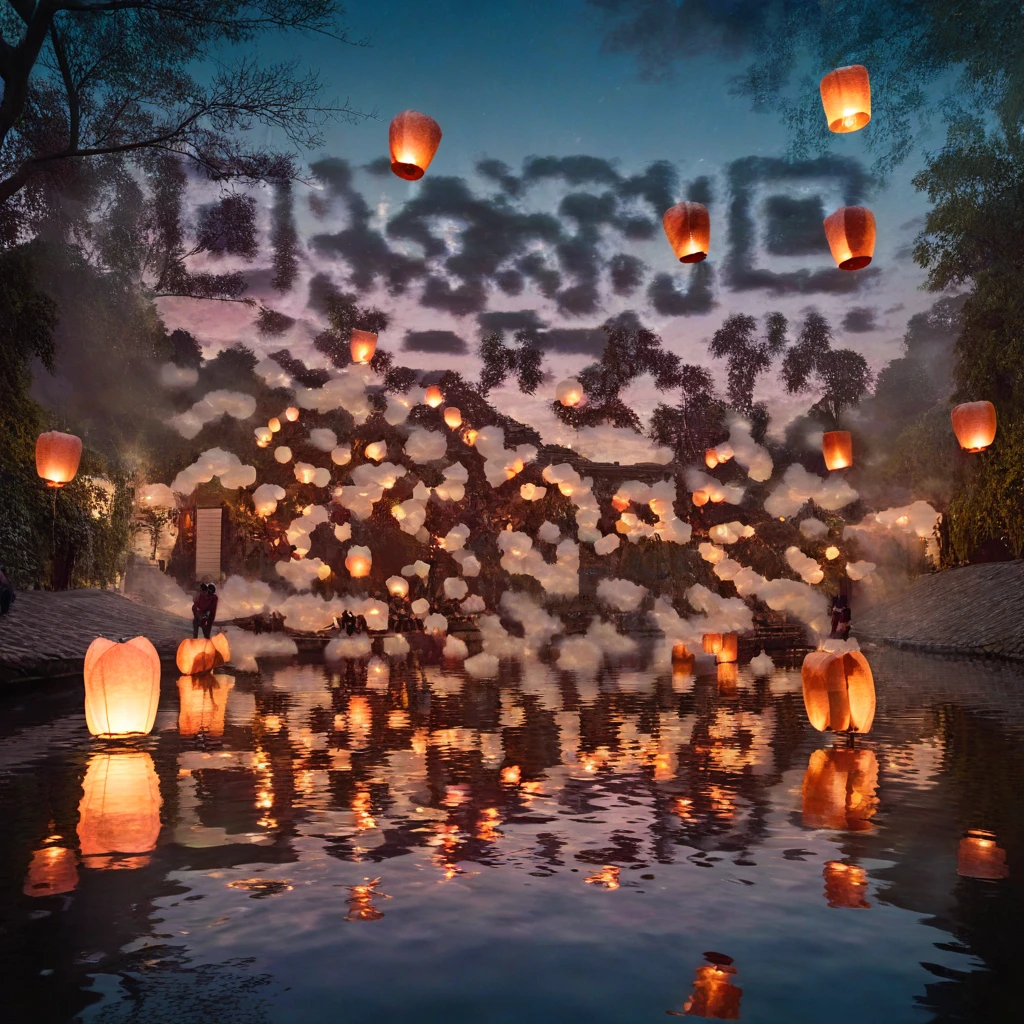
River Lantern Festival
A magical lantern festival over a calm river at twilight, glowing paper lanterns floating upward, shimmering reflections on the water, cinematic painterly artwork
Remix this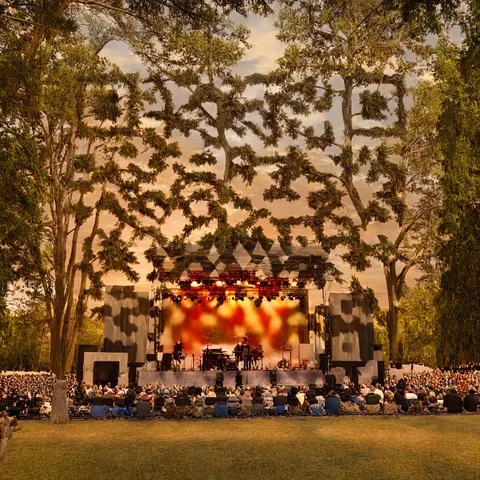
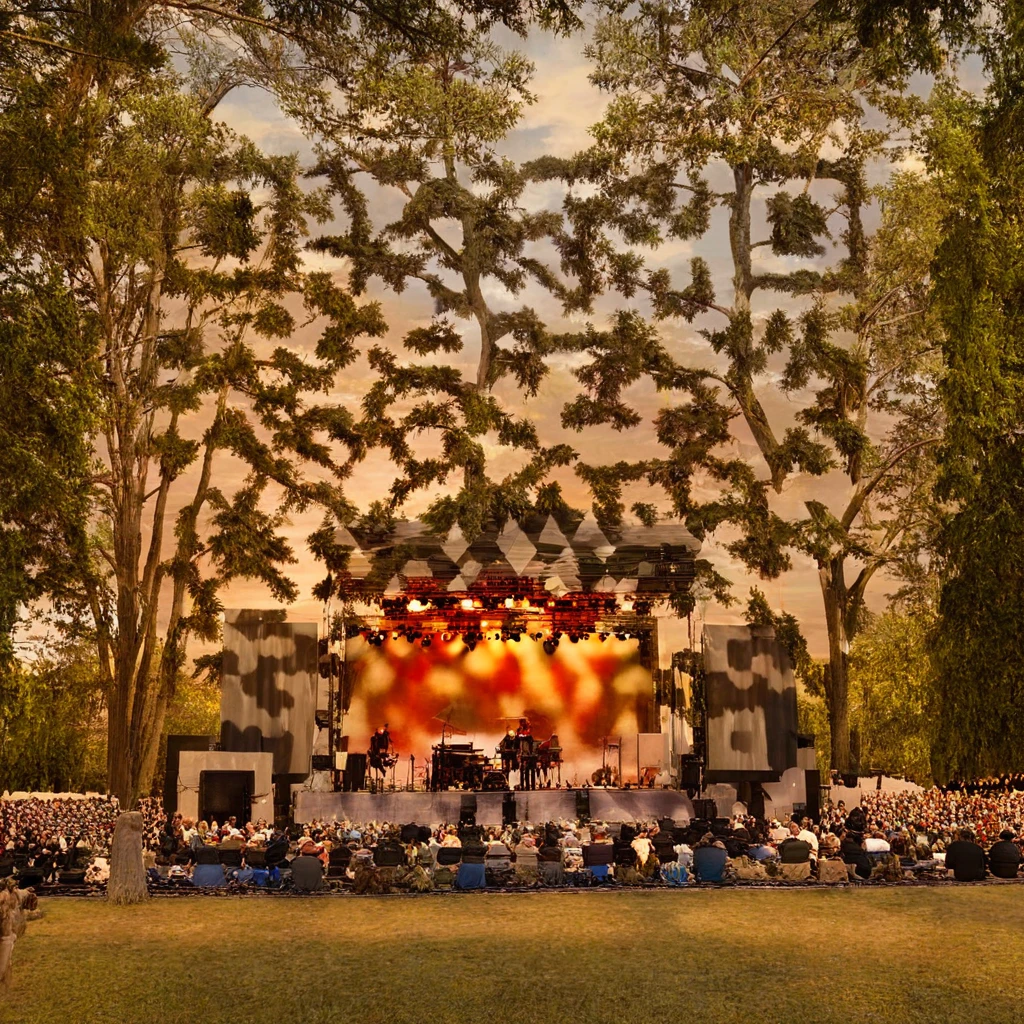
Park Summer Concert
An open-air summer concert stage in a park at sunset, warm stage lights and silhouetted trees, festive atmosphere, cinematic painterly artwork
Remix this


Beautiful QR codes from nature
Forests, glaciers, waterfalls, reefs and lavender fields, each one a working QR code that opens this page.
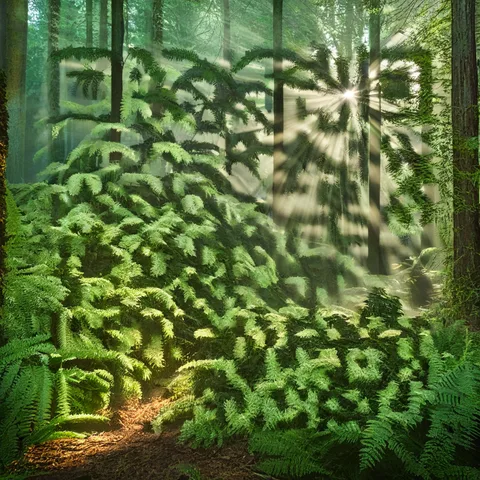
Sunbeam Forest
A misty green forest with sunbeams through tall trees and ferns on the ground, cool fresh morning, cinematic landscape artwork
Remix this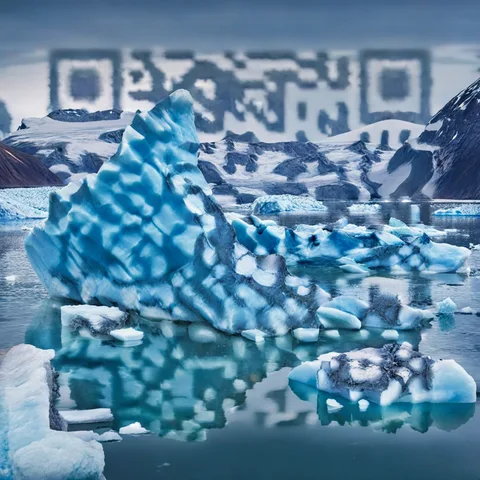
Arctic Glacier
A dramatic blue glacier and icebergs floating in a bright arctic bay, cool light, awe-inspiring landscape artwork
Remix this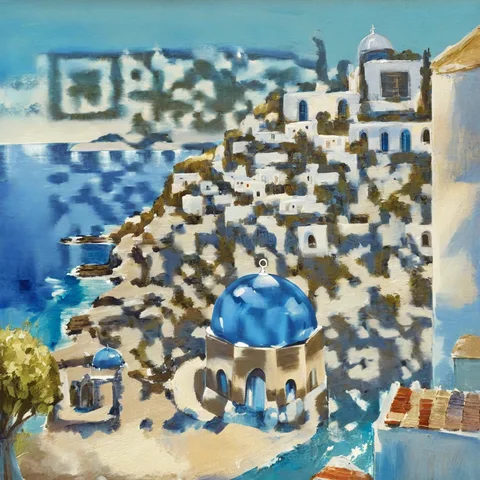
Blue Dome Village
A white seaside village with blue domes above a deep blue sea on a sunny day, fresh Mediterranean light, cohesive painterly artwork
Remix this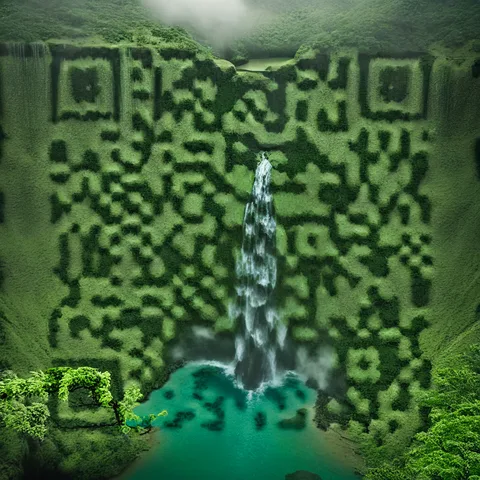
Emerald Waterfall
A tall waterfall pouring into an emerald pool surrounded by lush green cliffs, cool mist, cinematic nature artwork
Remix this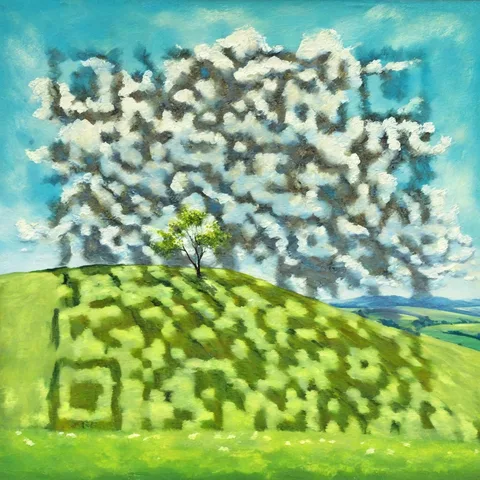
Spring Hill
A bright blue sky with drifting white clouds over rolling green hills and a lone tree, airy spring day, cohesive painterly artwork
Remix this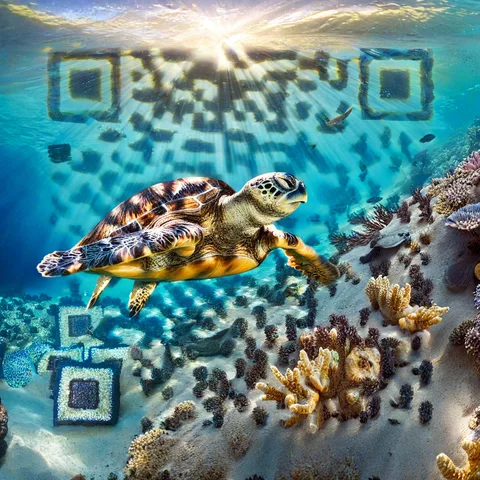
Sea Turtle Reef
A bright underwater scene with sun rays, a sea turtle and blue coral reef, clear turquoise water, vivid marine artwork
Remix this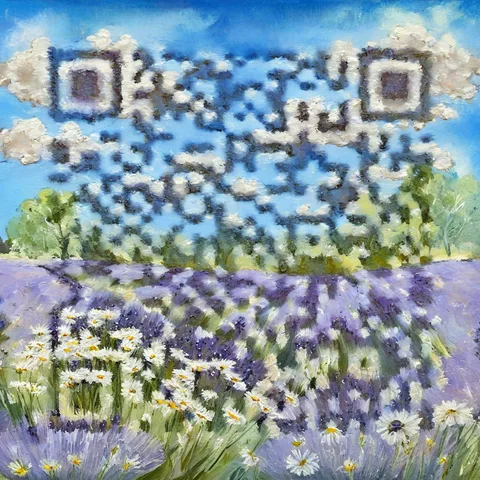
Lavender Morning
A field of lavender and white daisies under a cool blue sky with wispy clouds, fresh morning light, cohesive painterly artwork
Remix this


AI QR code art FAQ
Do AI QR codes actually scan?
Many do. In our 14-code test, 8 scanned on both an iPhone and an Android phone. Scene and contrast matter, so try your code on a phone and test a print at its final size.
How do you check it?
We read the control image before generating and test the finished image with jsQR at several sizes and contrast settings. A pass requires reading the intended link. Your own phone scan is the final check.
Is it free?
A new verified account gets 6 free AI images once, and there is currently no charge. Classic QR codes stay free and do not require an account.
Make your own AI QR code
New accounts get 6 free images. Classic QR codes are always free.