
Use case · Flyers & posters
Flyer QR code art for posters and events
A plain black-and-white square tells people nothing about your event. An AI QR code can carry its mood — a harvest market, a lantern festival, a summer concert — and still open your link when someone points a phone at it.
Poster and event examples
Each code below was scanned on a phone before we published it. Try one: the concert, market and lantern codes open our gallery; the pumpkin and paint codes open zapqr.net.
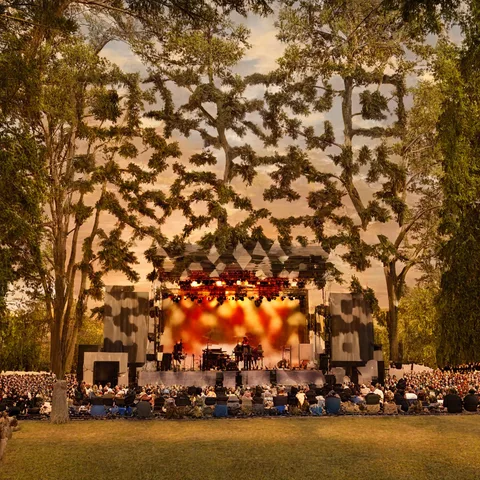
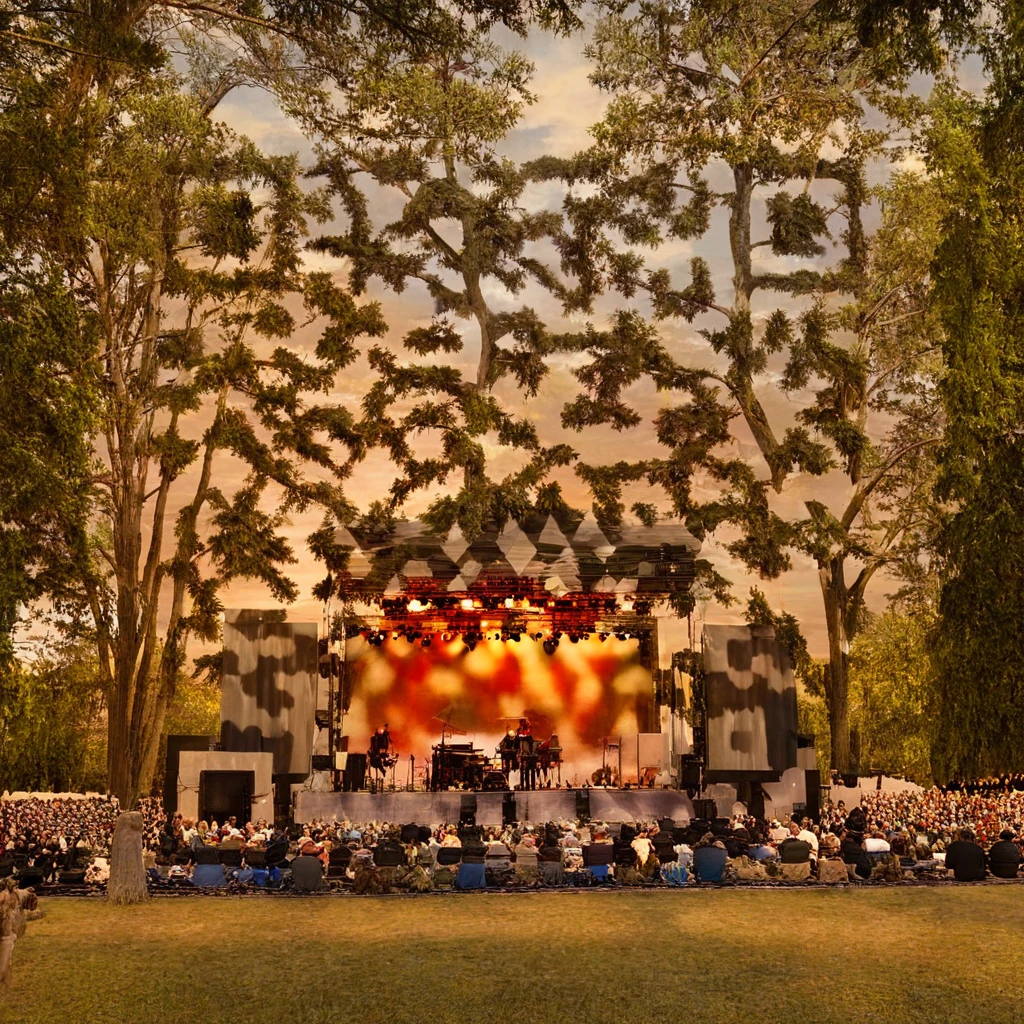
Summer concert poster
Good for: Concerts, open-air cinema, festivals
Prompt: “An open-air summer concert stage in a park at sunset, warm stage lights and silhouetted trees, festive atmosphere, cinematic painterly artwork” · Strength 2.2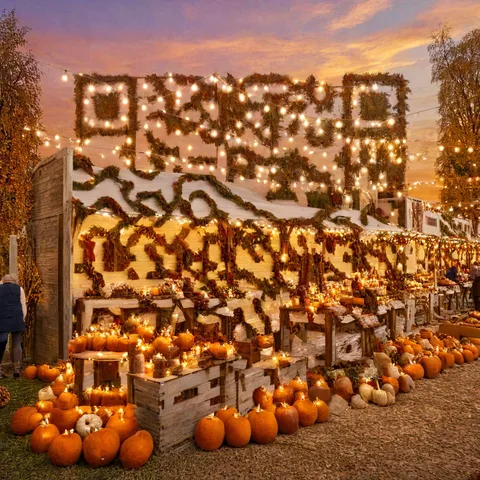
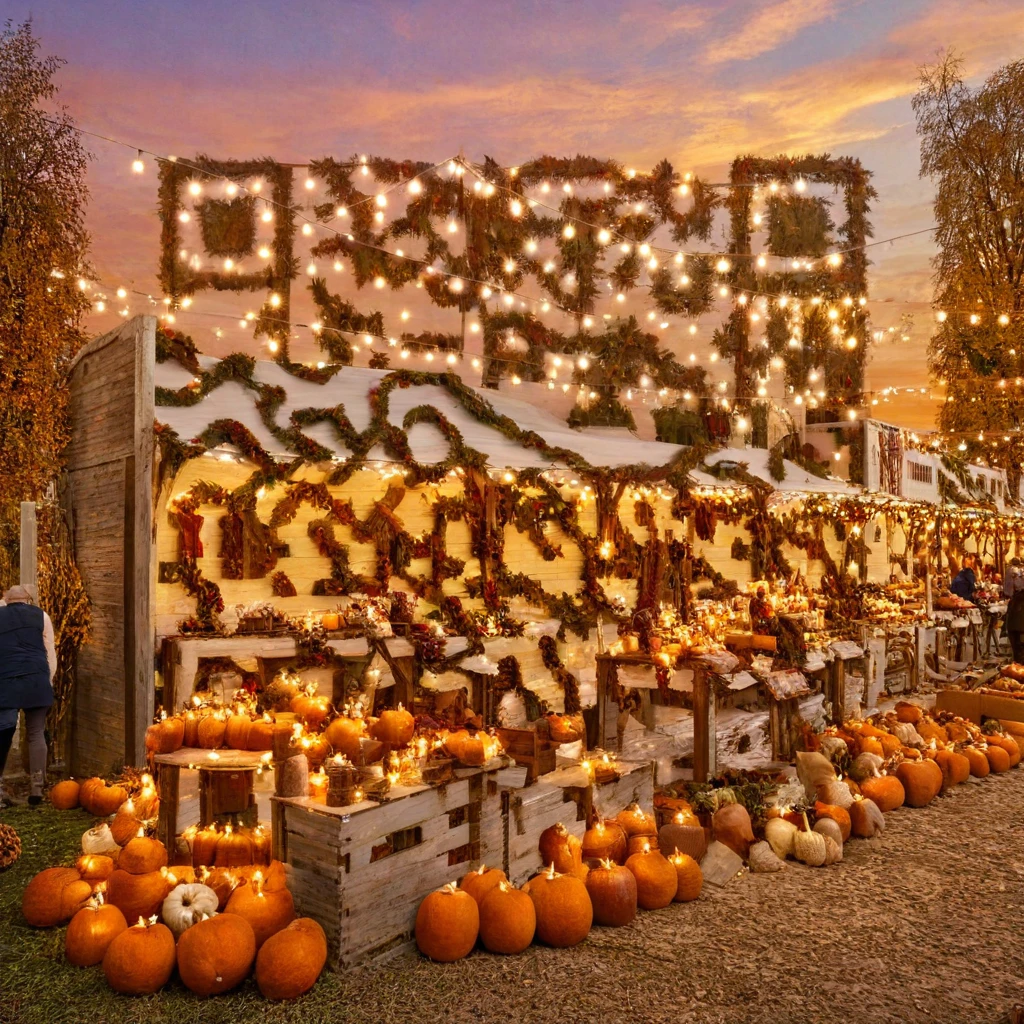
Harvest market flyer
Good for: Markets, fairs, school and community events
Prompt: “A festive autumn harvest market with pumpkins, apple crates and warm string lights under a golden evening sky, joyful atmosphere, cohesive painterly artwork” · Strength 2.2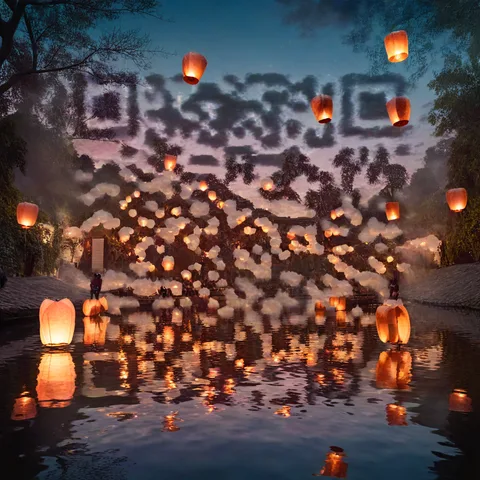
Lantern festival poster
Good for: Night events, cultural festivals, celebrations
Prompt: “A magical lantern festival over a calm river at twilight, glowing paper lanterns floating upward, shimmering reflections on the water, cinematic painterly artwork” · Strength 2.2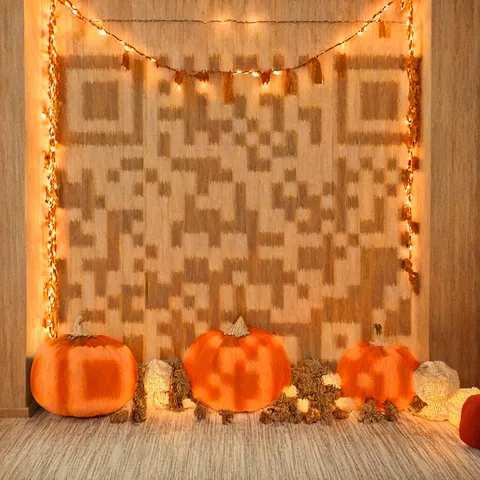
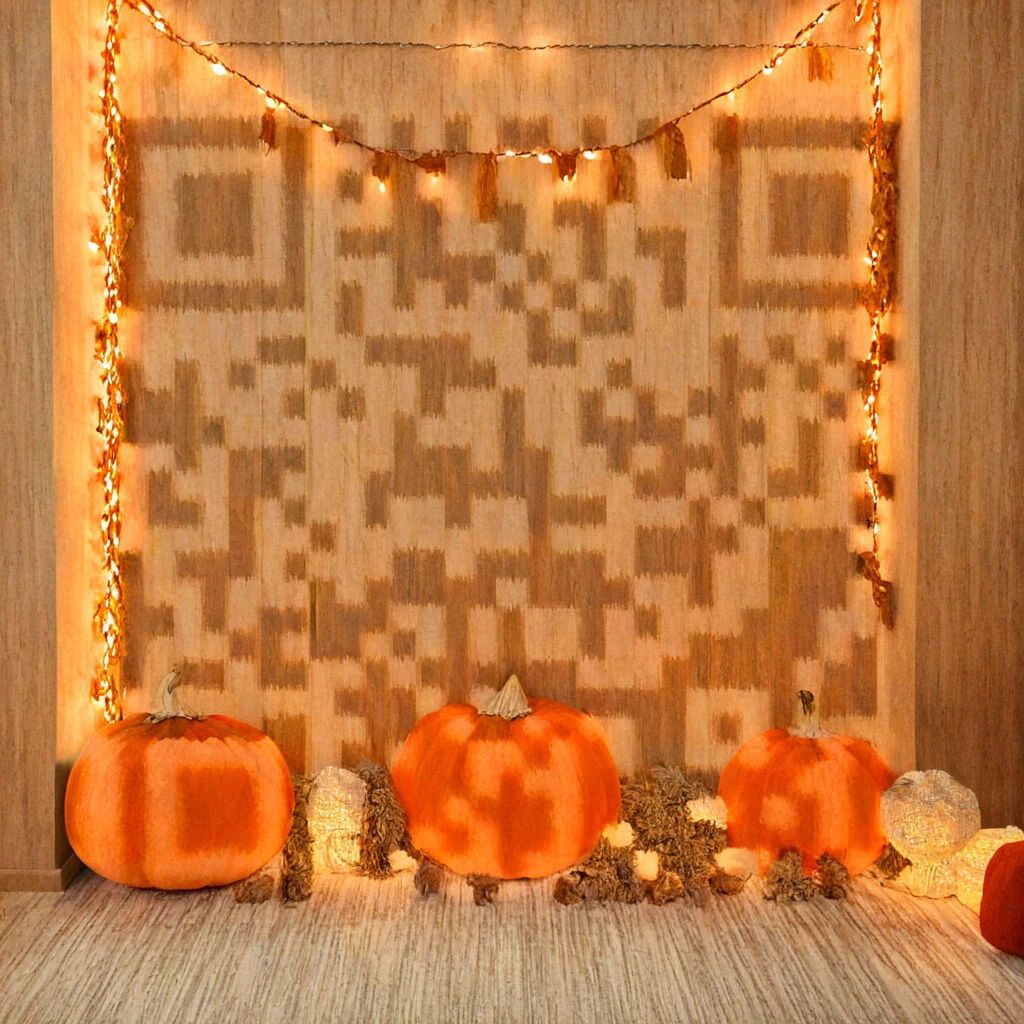
Autumn festival flyer
Good for: Seasonal sales, cafés, pop-up events
Prompt: “Orange pumpkins and warm string lights on a pale wooden wall, cozy autumn festival” · Strength 2.3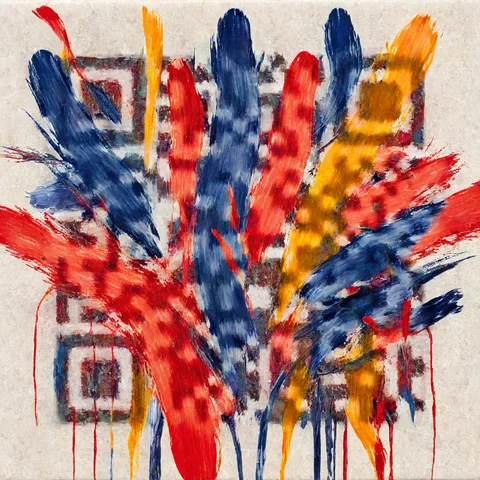
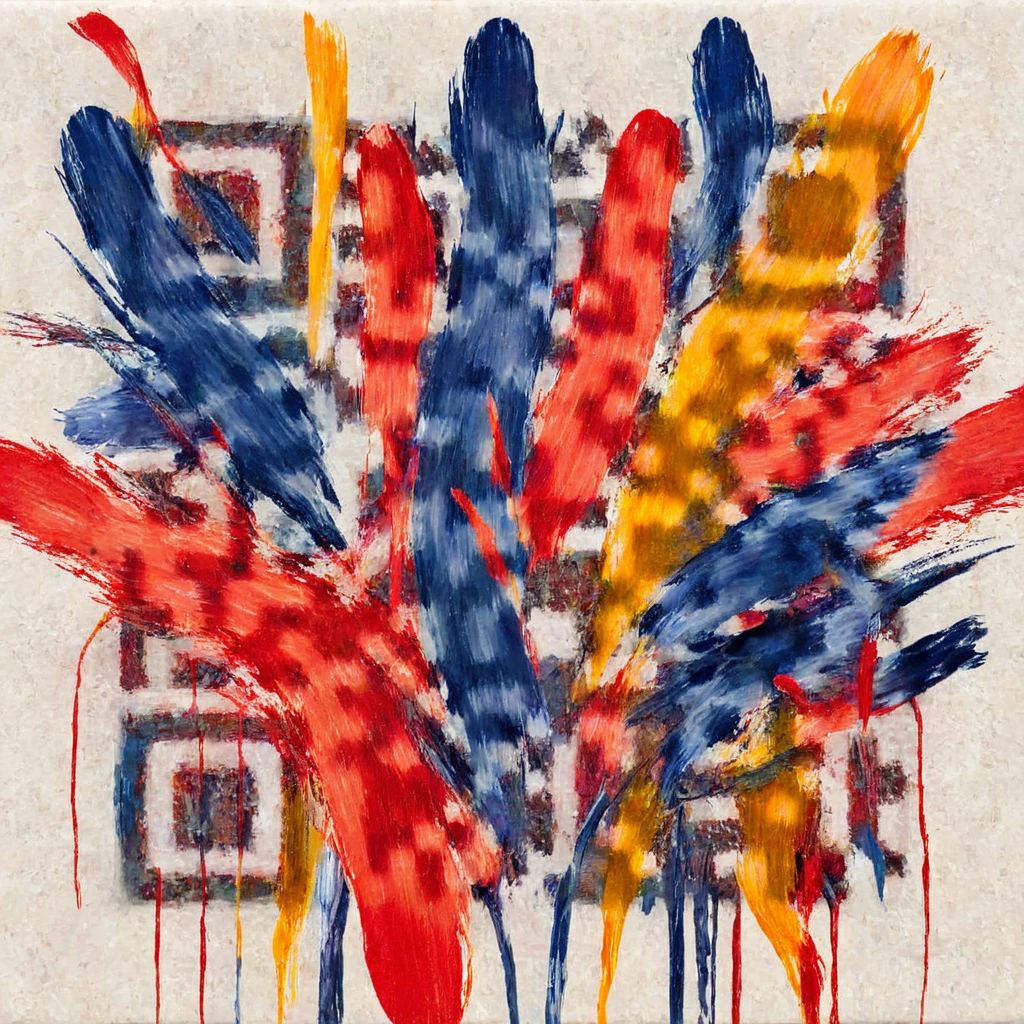
Gallery opening poster
Good for: Exhibitions, art classes, studio open days
Prompt: “Bold abstract brush strokes in red, blue and yellow on white canvas” · Strength 2.3

How to make a flyer QR code with AI
Paste your link
Use the page people should land on: tickets, RSVP form, event page or menu. Keep the editable short link on (it is the default): the code stays smaller and cleaner, and you can change where it points after the flyers are printed.
Describe a scene for your event
Name the place, the light and the mood. Detailed, mid-tone scenes scan most easily; in our scan test, large white areas and very dark scenes were the ones that failed.
Generate and check
ZapQR checks the code before and after it paints the image. Then scan the result with your own phone before you use it.
Download and place it
Download the PNG, put it on your flyer or poster next to a short line such as “Scan for tickets”, and print one test copy at the real size.
Print it so it still scans
- Give it room. On a handout flyer, keep the code at least 2.5 cm (1 inch) wide. Art codes have softer squares than plain ones, so they need more room than the usual 2 cm minimum.
- Scale with distance. A common rule of thumb is about 1 cm of code width for every 10 cm people stand away. A poster read from 2 metres needs a code around 20 cm wide.
- Keep the contrast. Avoid scenes that are almost all white or almost all black, and do not print the code over a busy photo. Matte paper avoids glare under event lights.
- Keep the border clear. Leave the light margin around the code free of text, logos and folds.
- Test before the print run. Print one copy at the real size and scan it with two different phones from where people will actually stand.
Our checks and phone tests are not a guarantee for every phone, printer or paper. Always test your own printed code.
Flyer QR code questions
Do AI QR codes work on printed flyers?
Yes, as long as the printed code keeps enough size and contrast. Every example on this page was scanned on a phone, but results depend on the scene, printer, paper and phone, so scan a printed test copy before you print hundreds.
How big should a QR code be on a flyer or poster?
At least 2.5 cm (1 inch) on a handout flyer, and larger for posters: roughly 1 cm of width for every 10 cm of viewing distance.
Can I change the link after the flyers are printed?
Yes, if the editable short link was on when you generated the code (it is on by default). The code points to your ZapQR short link, and you can change its destination from your account. A code made with the short link turned off holds your link directly and cannot be changed.
What file do I get?
A 1024 × 1024 PNG, ready to place in your flyer or poster design.
Is it free?
New accounts get 6 free AI images. Classic QR codes are always free, with no sign-up.
Make your flyer QR code
New accounts get 6 free AI images. Classic QR codes are always free.