
How to make AI QR code art that actually scans
We made AI QR codes from three scenes at three strengths and two sizes, then scanned every one with an iPhone 14 and an Android phone. The scene mattered more than any setting.
By ZapQR team ·
Key findings
- 8 of the 14 codes scanned. Every one that scanned did so in under 2 seconds, and the iPhone and the Android phone agreed on every image.
- The scene mattered more than the strength. The cottage garden scanned at every setting, the bright coffee shop only at the highest strength (2.5), and the dark neon street never did.
- Our offline checker recognised only 2 of the 8 codes the phones could read. Scanning with a real phone is the test that counts.
- The image provider’s safety filter blocked 2 of the neon-street images, so no image came back for them.
How we tested
We used three prompts: a bright coffee shop, a neon street at night and a cottage garden. Each one was generated at structure strengths 2.0, 2.2 and 2.5, in a standard and a large code size: 18 combinations. Each scene used one fixed seed, so within a scene only the strength and the size changed.
Every code holds the link to this article, which is 51 characters long. That is longer than a ZapQR short link, and a longer link puts more, smaller squares into the code, so this test is somewhat harder than typical use.
Of the 18 generation requests, 14 returned an image. Two were rejected by the provider’s rate limit, and two neon-street images were blocked by its safety filter.
The 14 images were shown one at a time, in random order and without labels, at 560 × 560 pixels on a computer screen. Each was scanned with the iPhone 14 camera app and an Android phone’s camera from about 30 cm, and a code counted as failed if neither phone read it within 10 seconds.
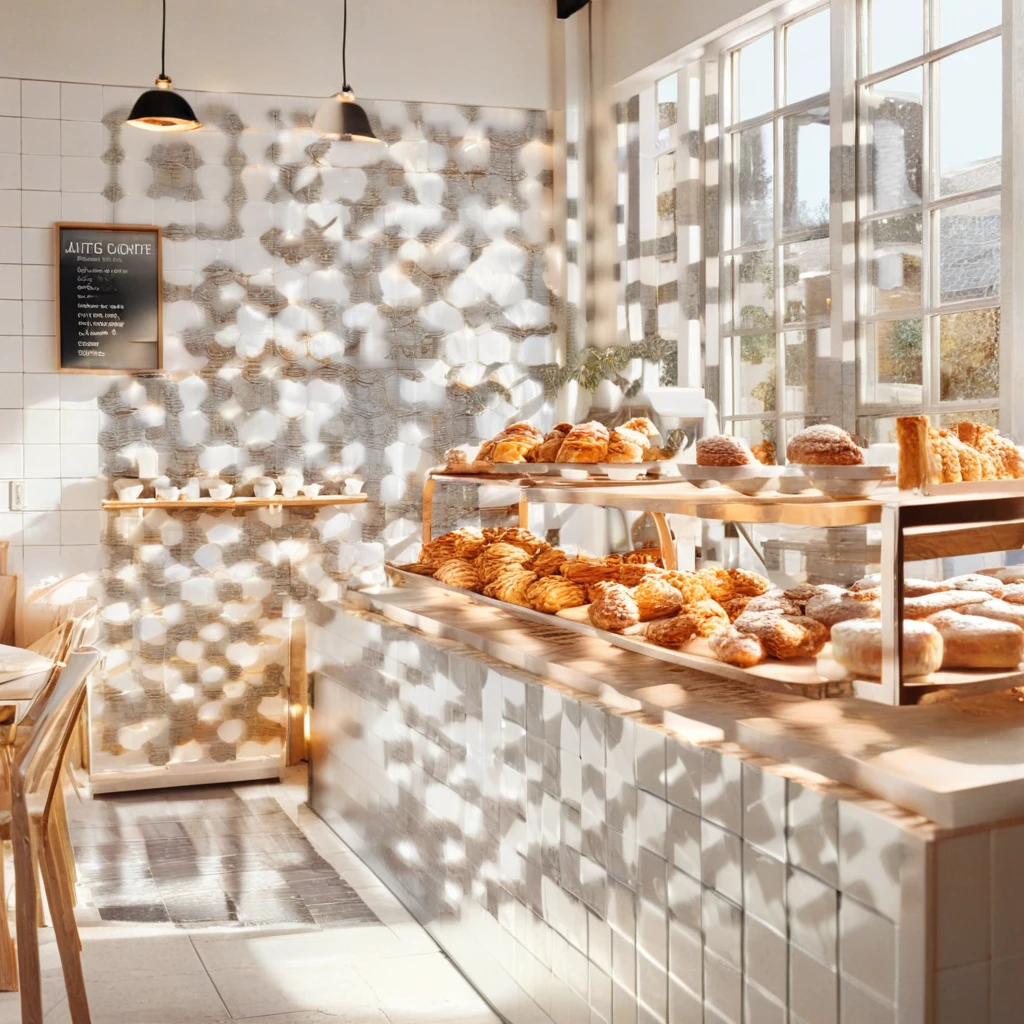
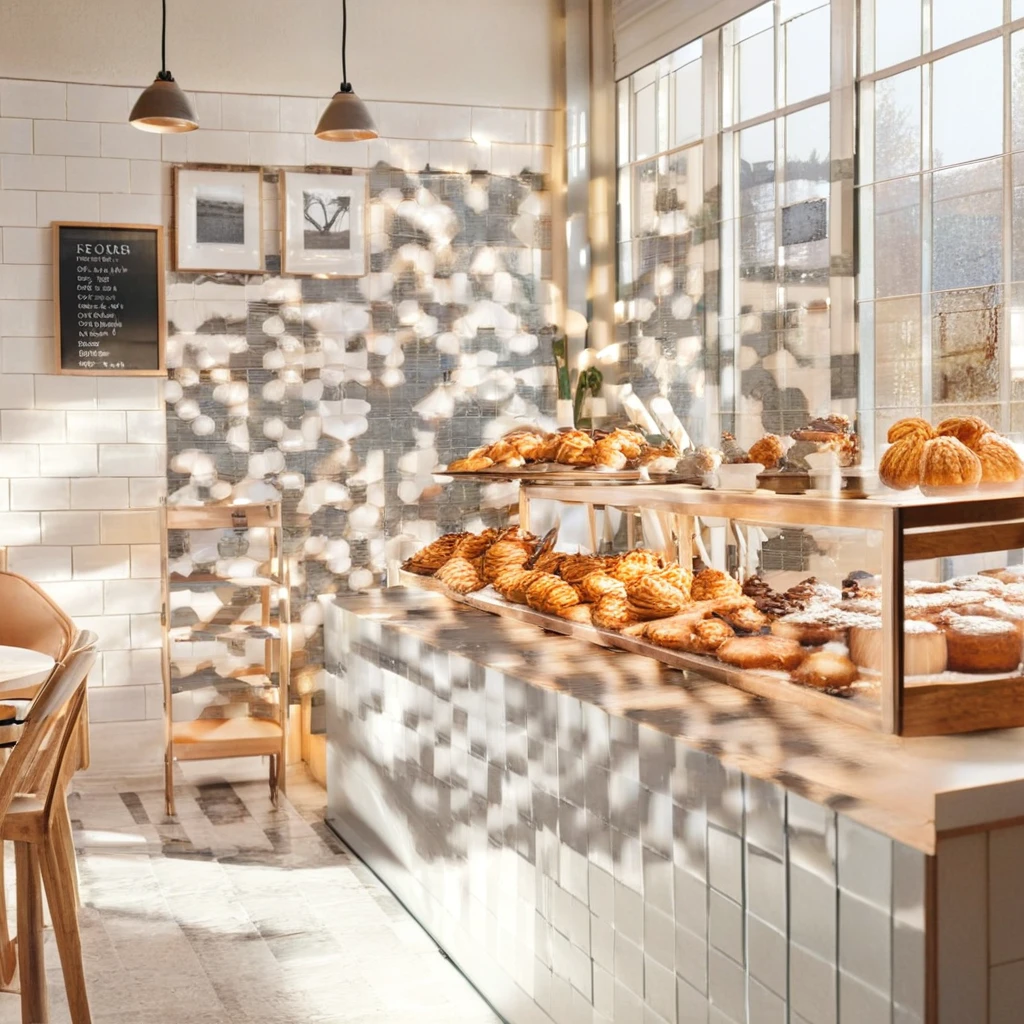
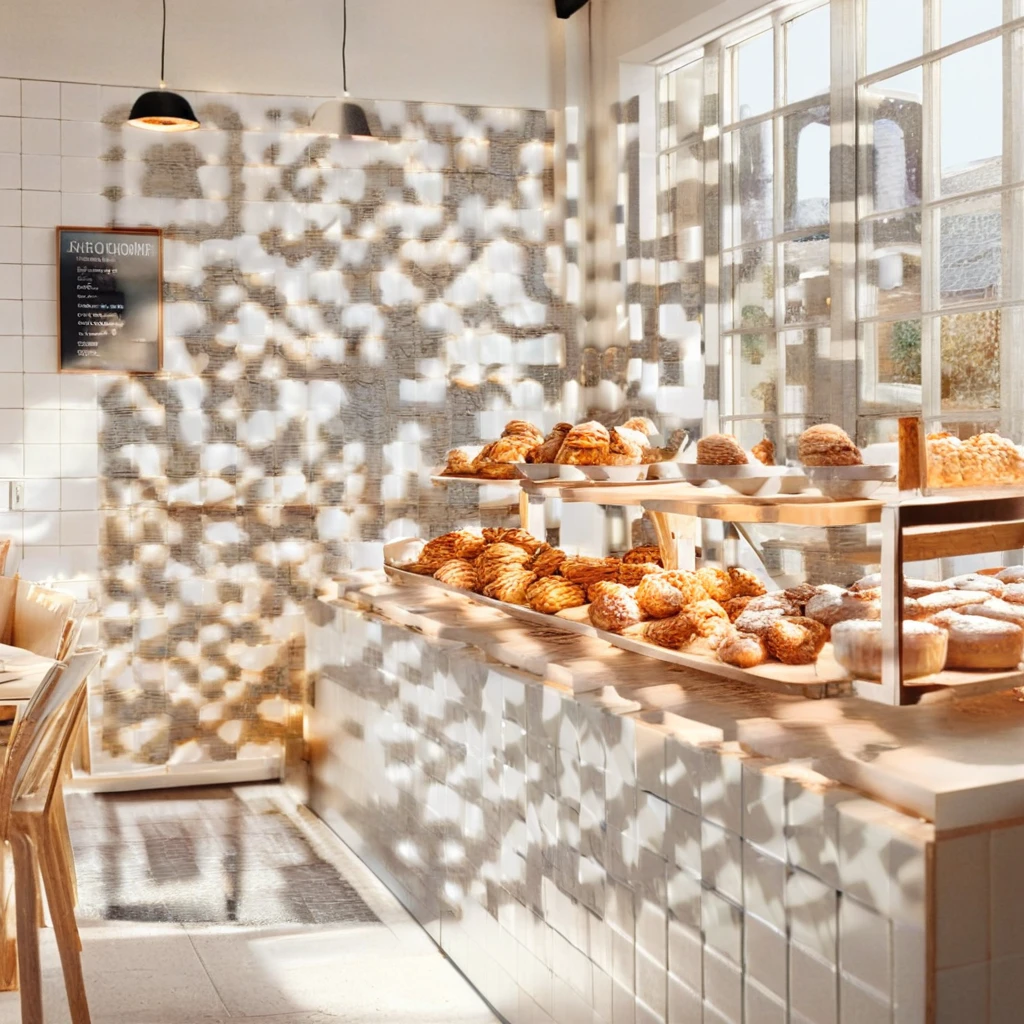
- Bright coffee shop: “A bright Scandinavian coffee shop counter with latte art, fresh pastries and morning sunlight through large windows, clean white tiles, soft natural light, photorealistic”
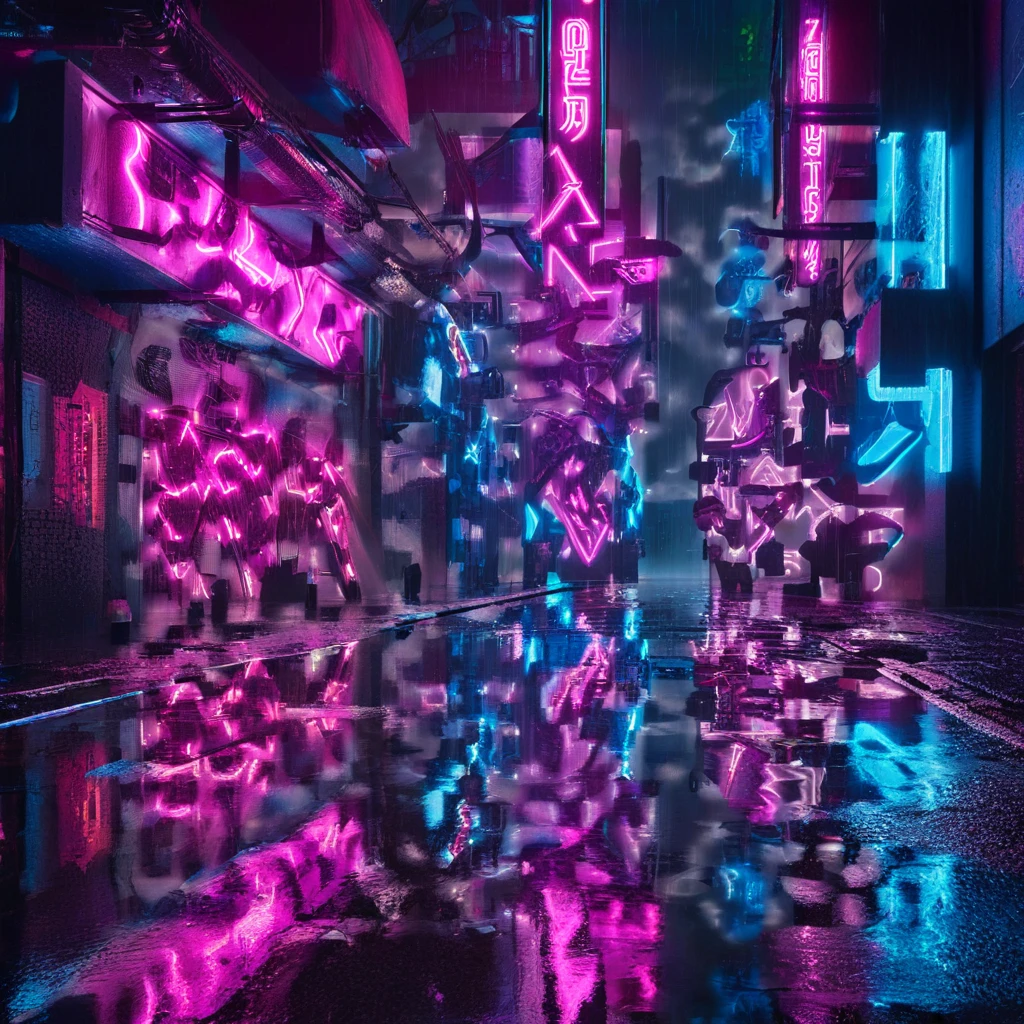
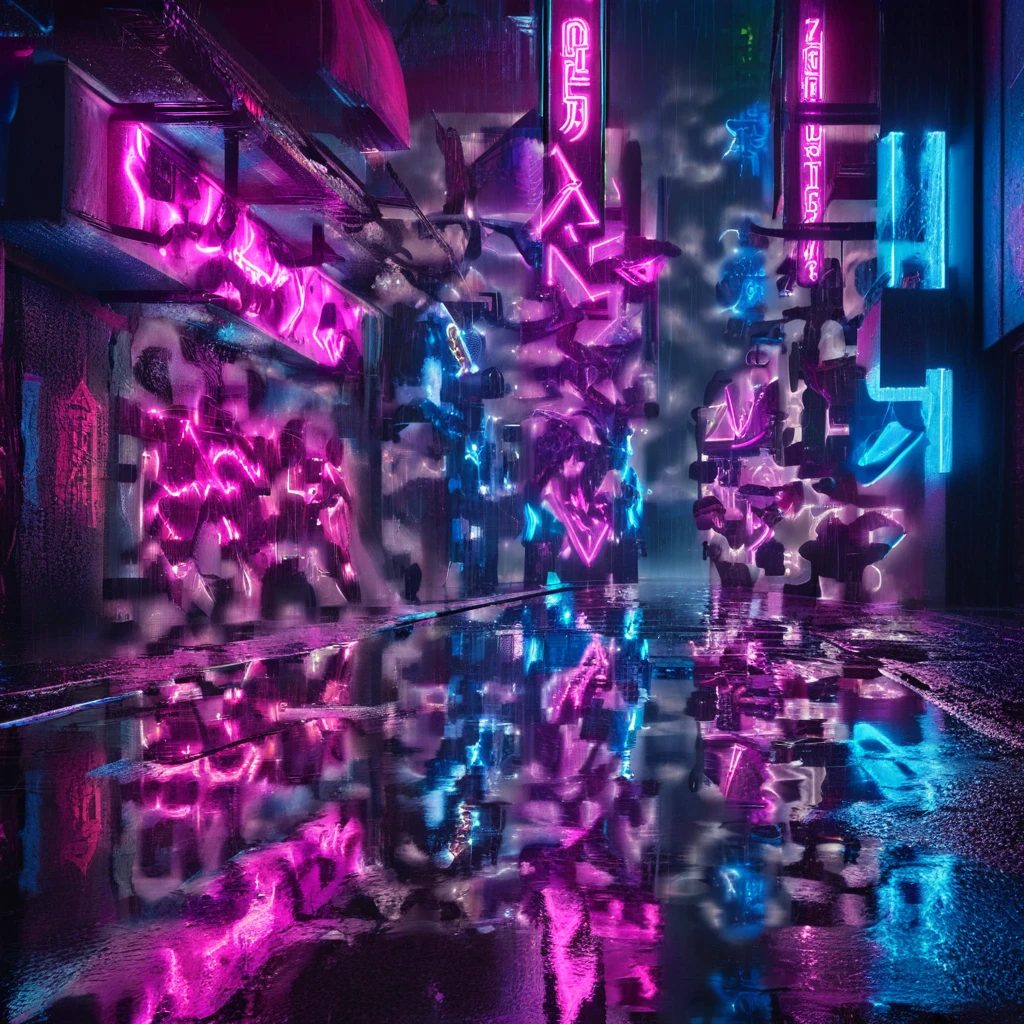
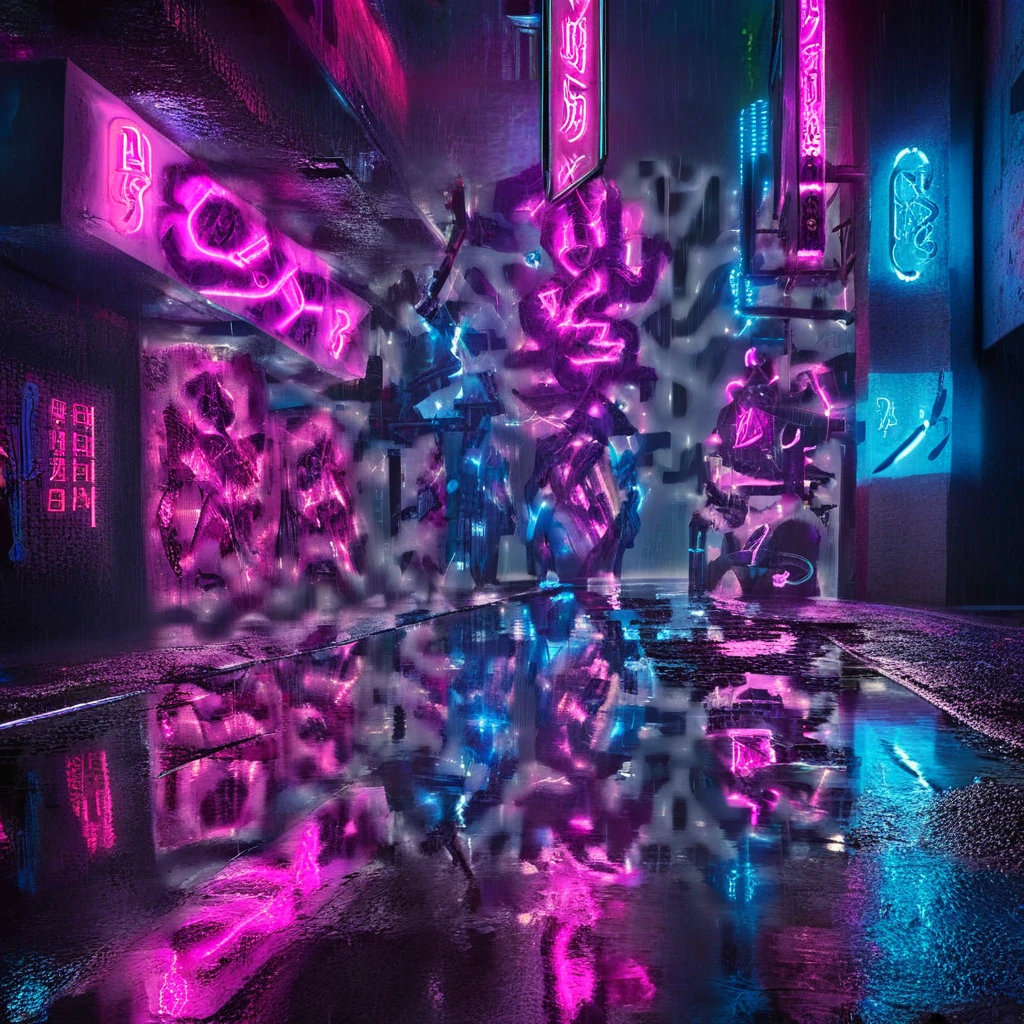
- Neon street at night: “A rainy cyberpunk night street with glowing pink and blue neon signs, wet reflections on the pavement, dense city atmosphere, cinematic lighting”
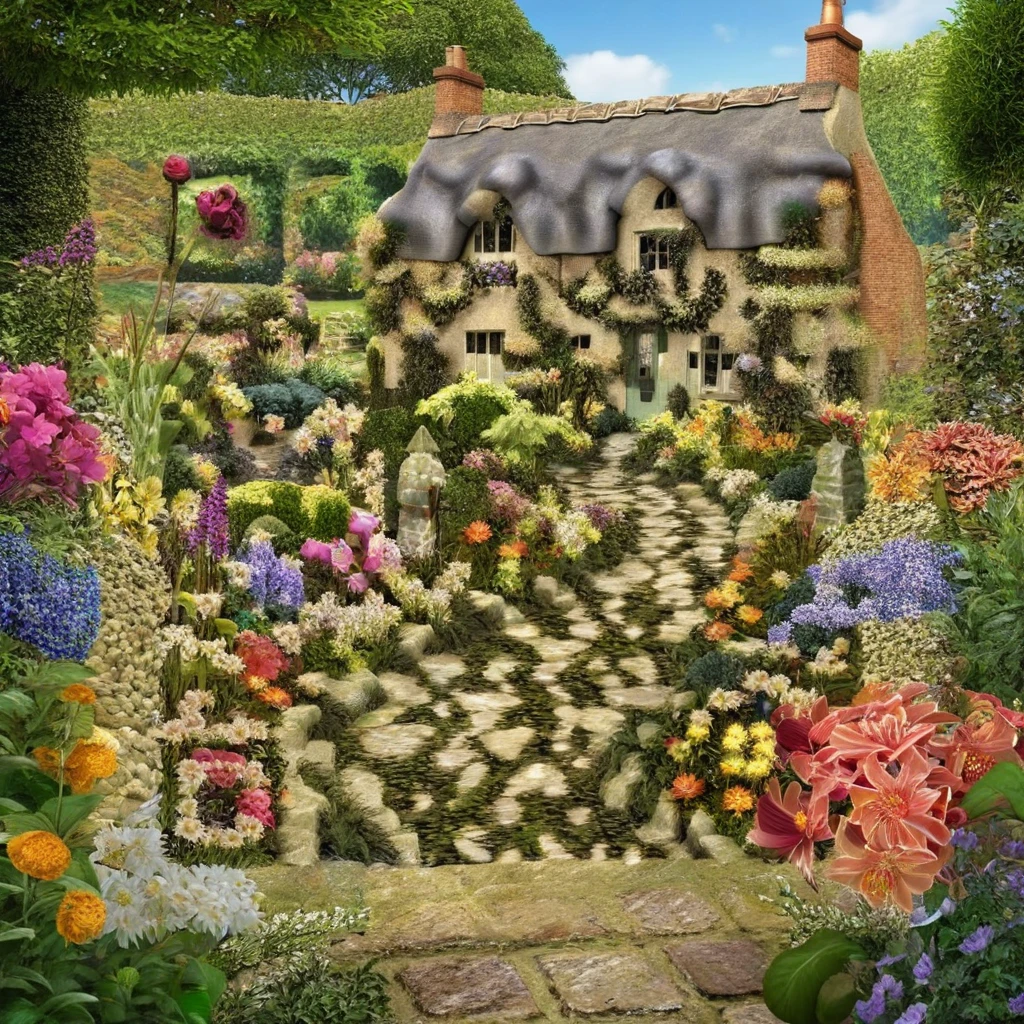
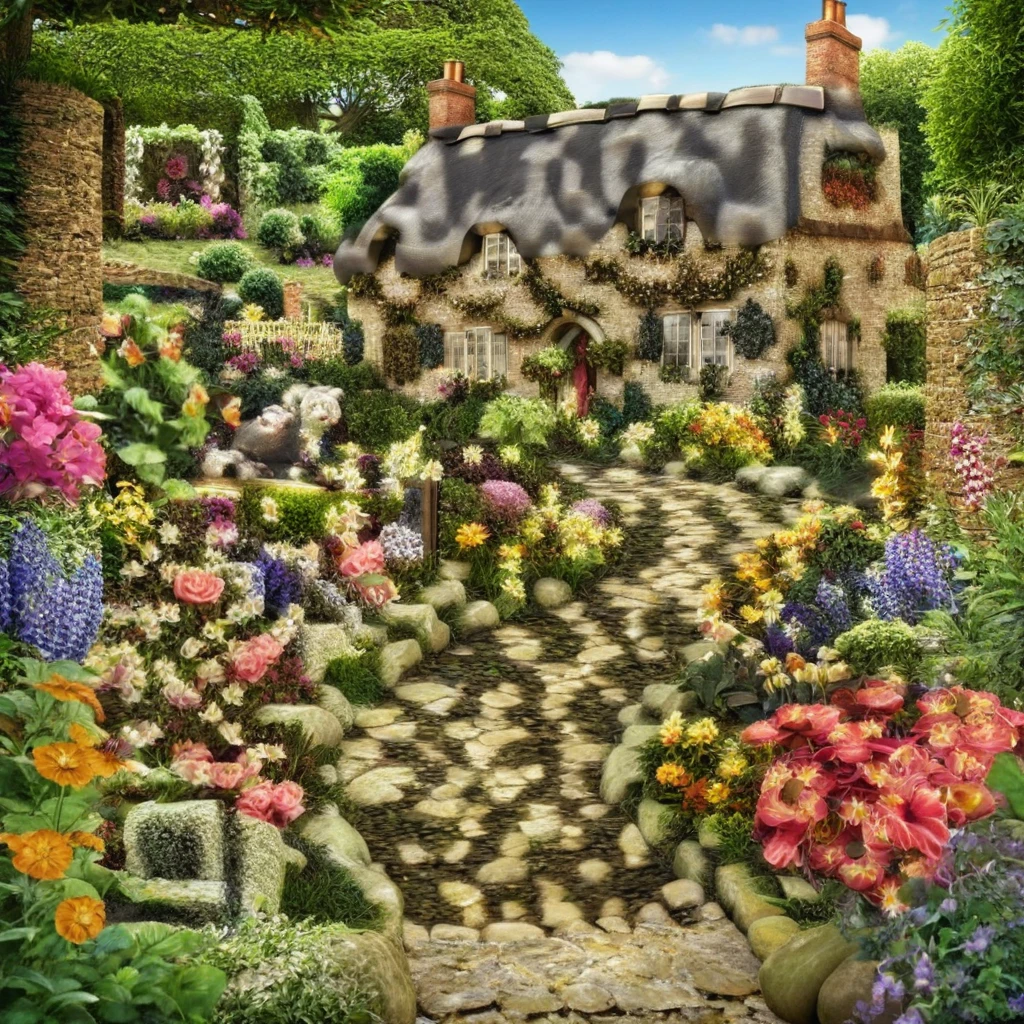
- Cottage garden: “A lush English cottage garden in full bloom with hundreds of tiny colorful flowers, a winding stone path, intricate leaves and petals, highly detailed, photorealistic”
The results
| Scene | 2.0 · standard | 2.0 · large | 2.2 · standard | 2.2 · large | 2.5 · standard | 2.5 · large |
|---|---|---|---|---|---|---|
| Bright coffee shop | ✗ | — | ✗ | ✗ | ✓ | ✓ |
| Neon street at night | — | ✗ | — | ✗ | ✗ | — |
| Cottage garden | ✓ | ✓ | ✓ | ✓ | ✓ | ✓ |
✓ scanned on both phones in under 2 seconds · ✗ neither phone read it within 10 seconds · — no image returned (rate limit or safety filter)
Each image below is the real code we tested. Point your phone at one to try it yourself; the codes that scanned will open this page.
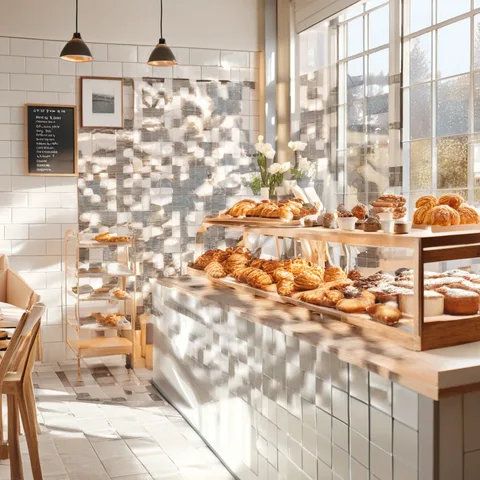
Bright coffee shop · 2.0 · standard
Did not scan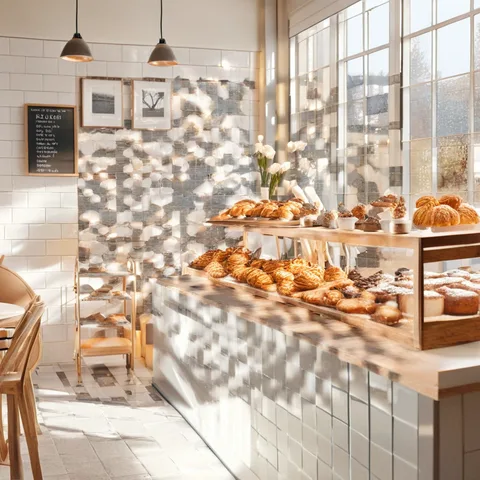
Bright coffee shop · 2.2 · standard
Did not scan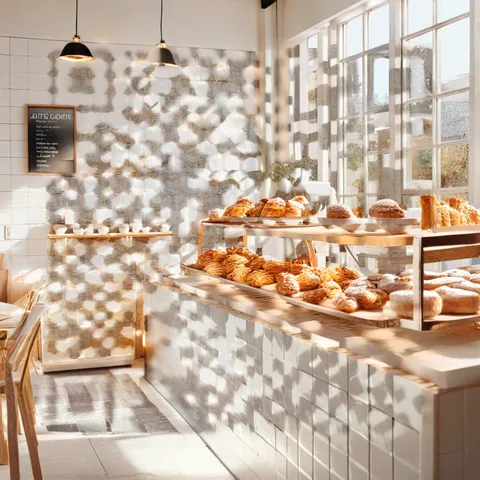
Bright coffee shop · 2.2 · large
Did not scan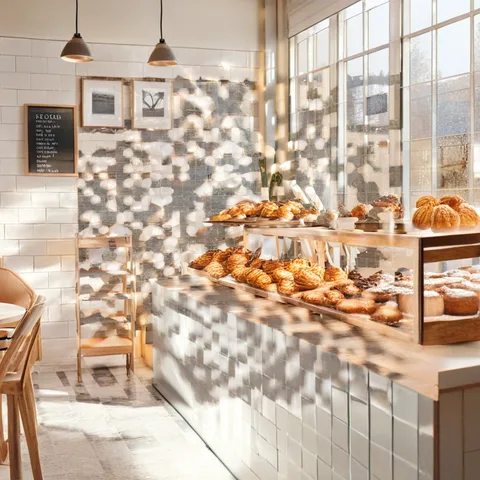
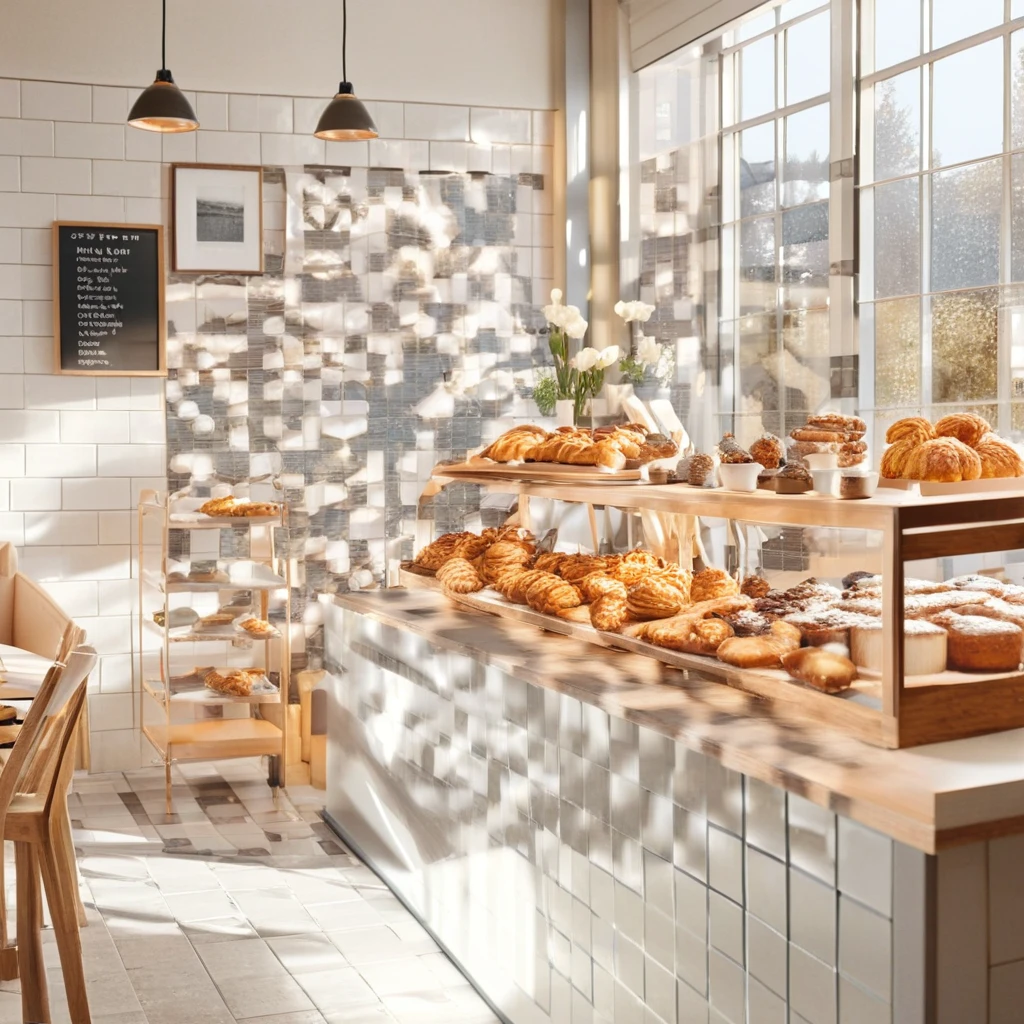
Bright coffee shop · 2.5 · standard
Scanned on both phones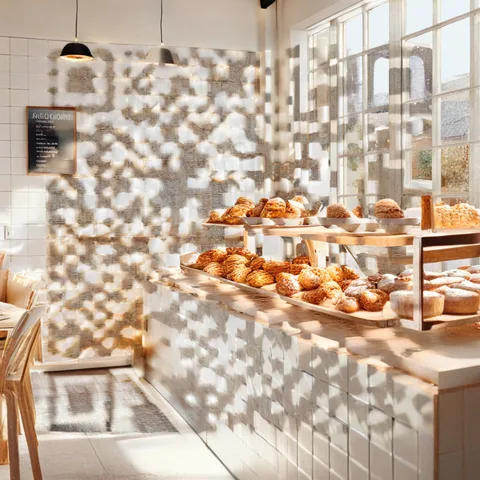
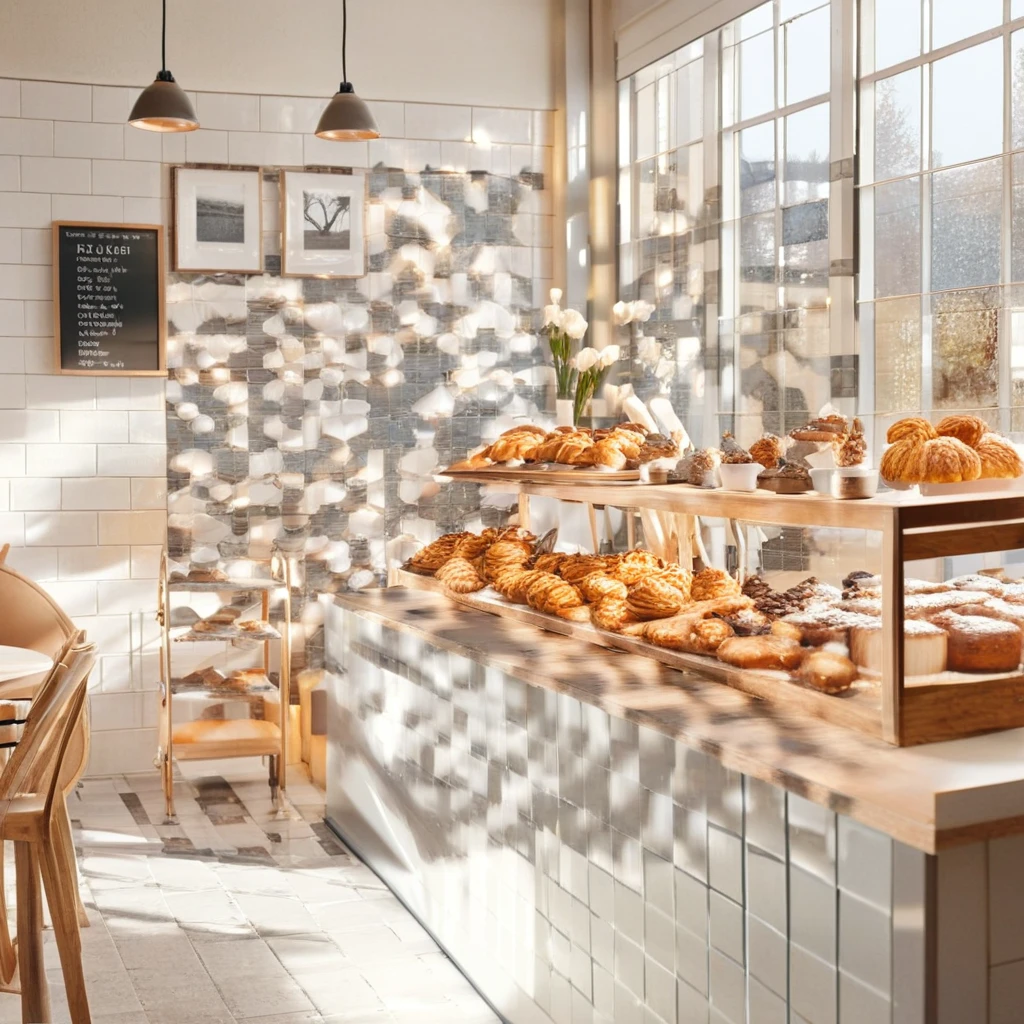
Bright coffee shop · 2.5 · large
Scanned on both phones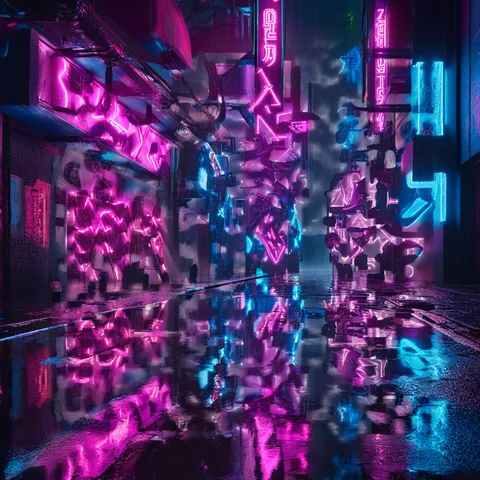
Neon street at night · 2.0 · large
Did not scan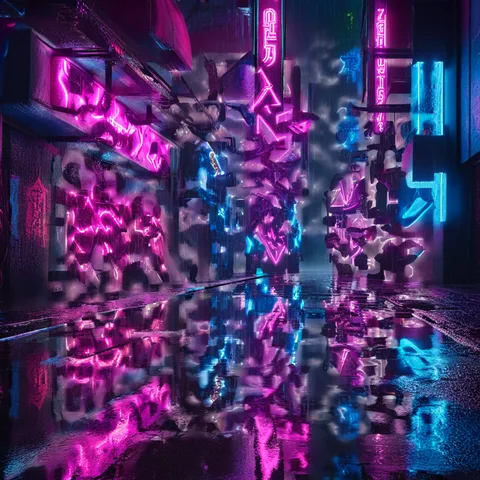
Neon street at night · 2.2 · large
Did not scan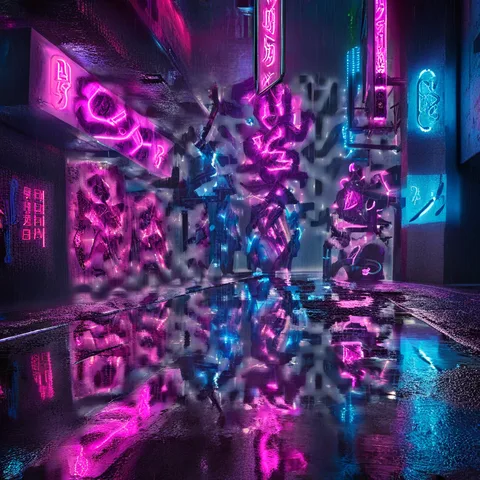
Neon street at night · 2.5 · standard
Did not scan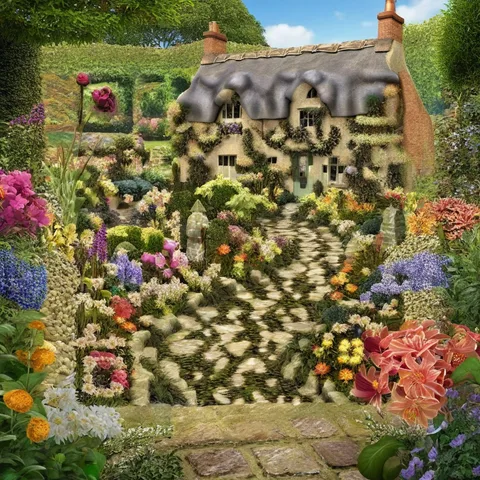
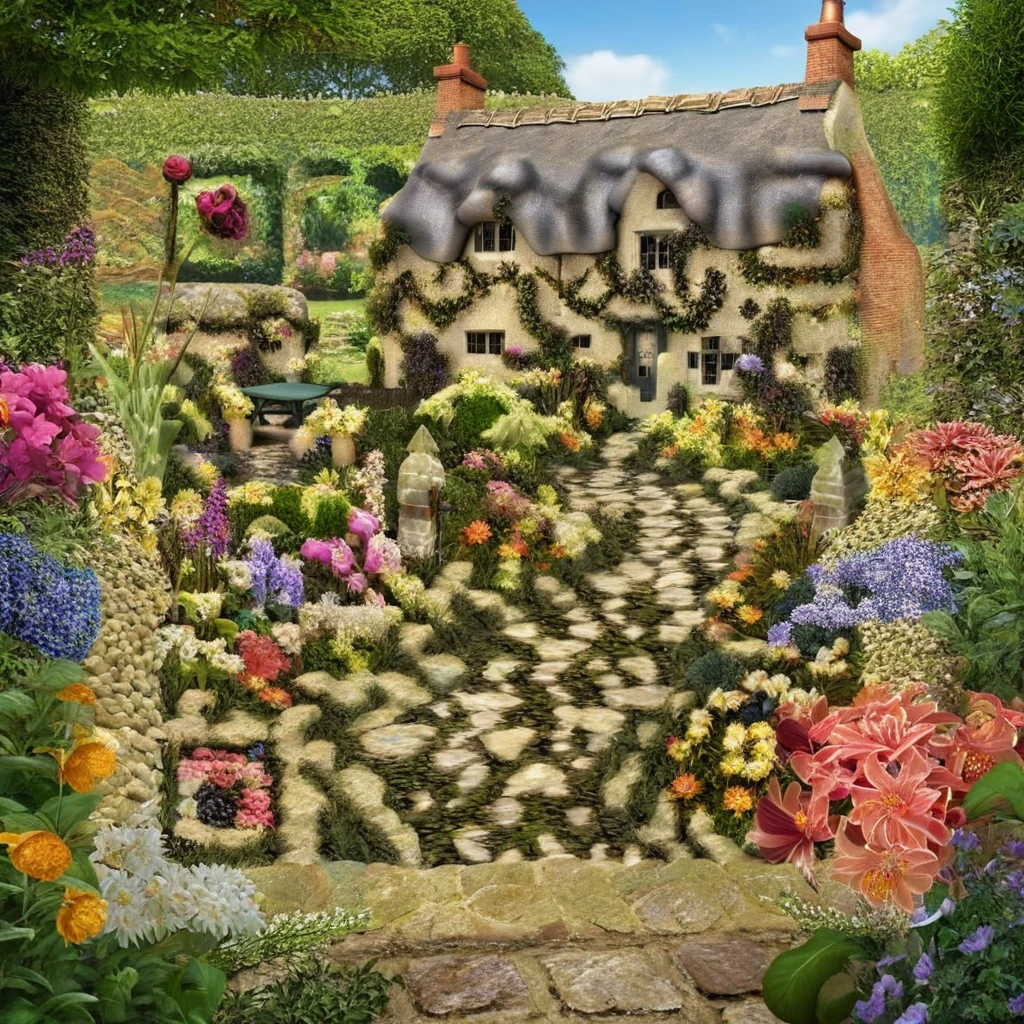
Cottage garden · 2.0 · standard
Scanned on both phones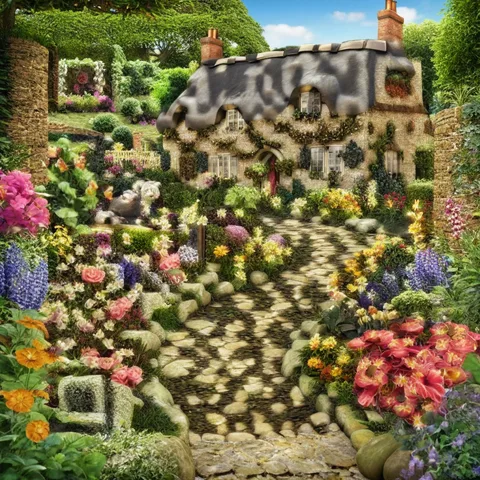
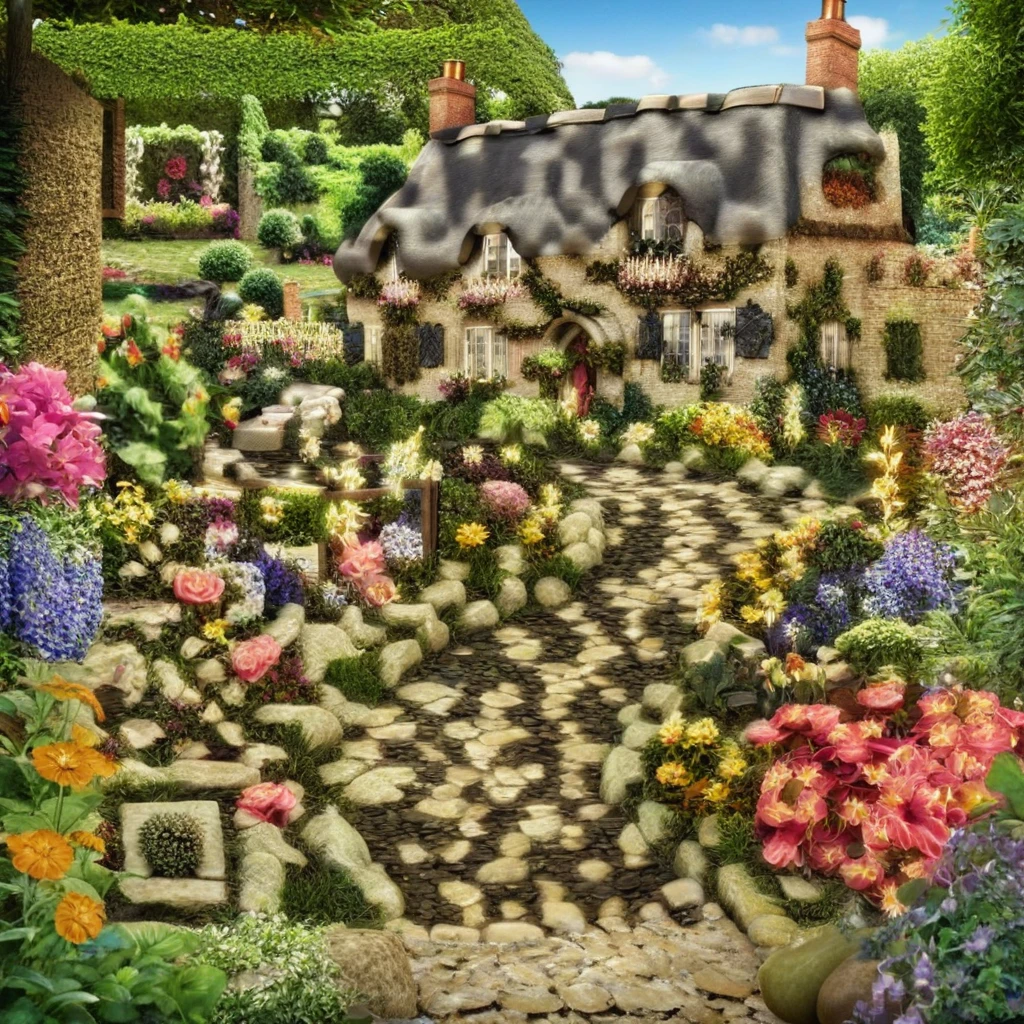
Cottage garden · 2.0 · large
Scanned on both phones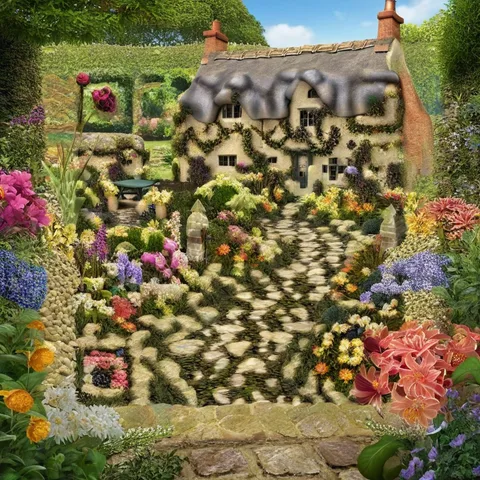
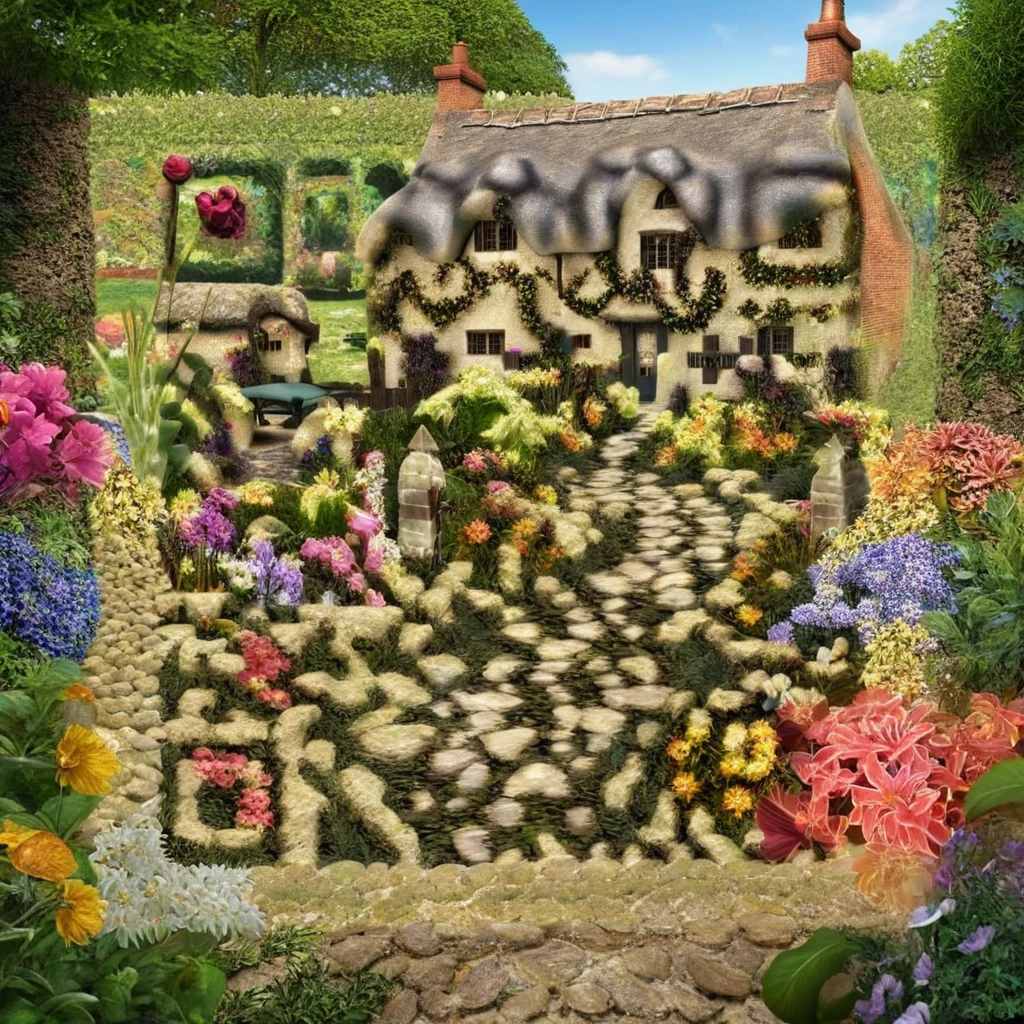
Cottage garden · 2.2 · standard
Scanned on both phones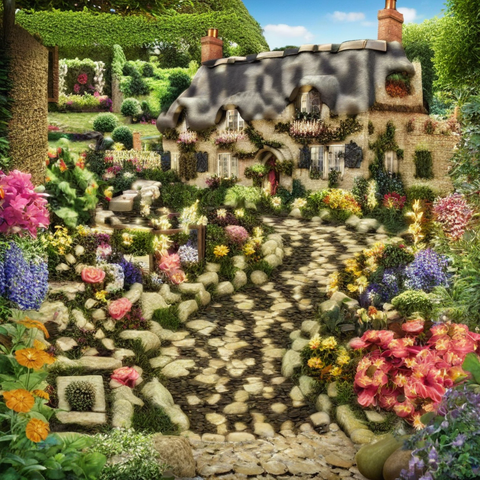
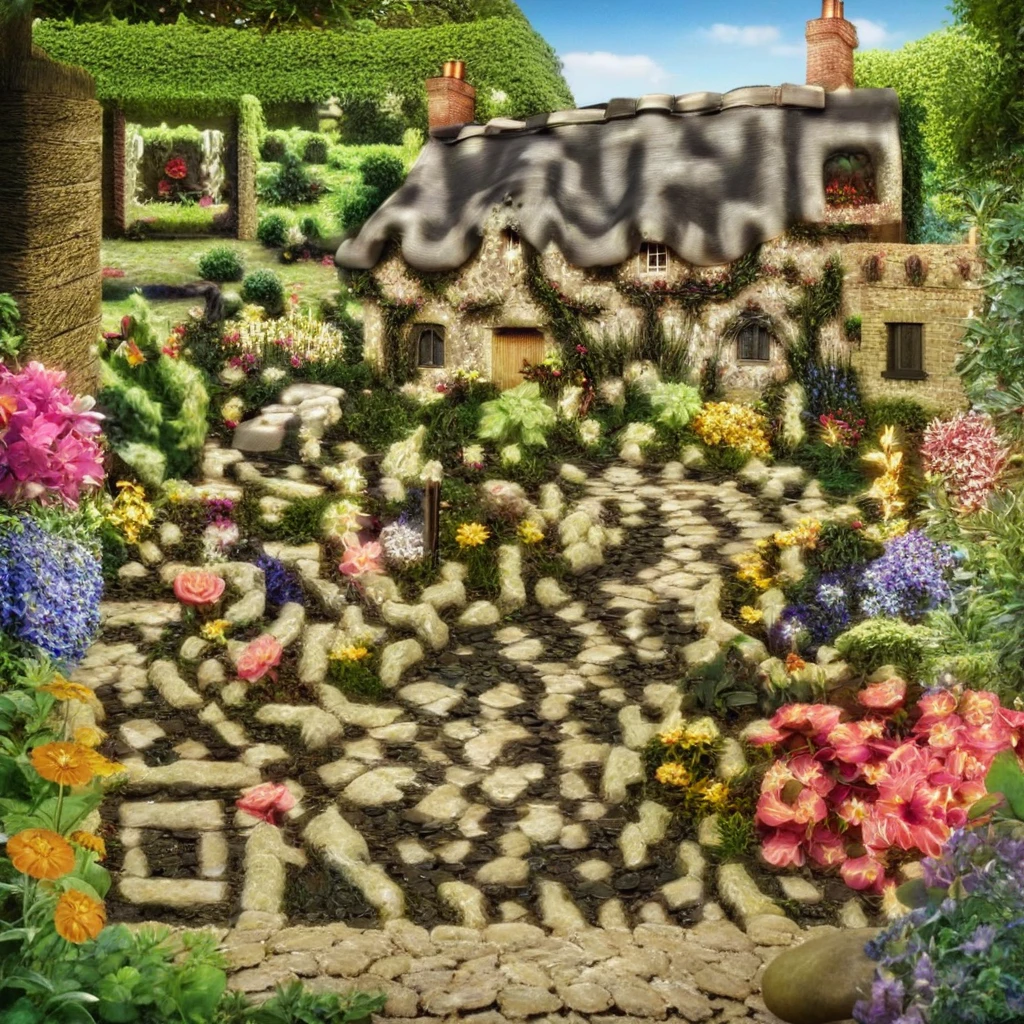
Cottage garden · 2.2 · large
Scanned on both phones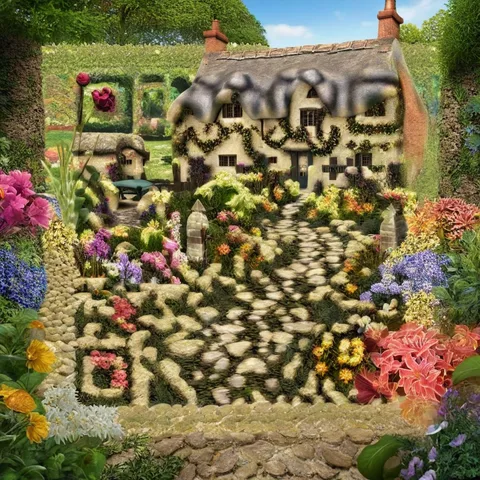
Cottage garden · 2.5 · standard
Scanned on both phones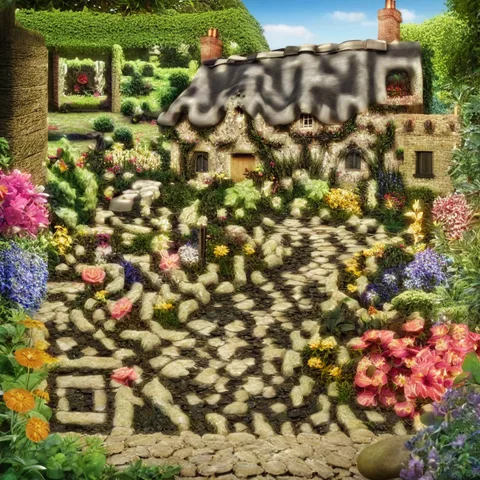
Cottage garden · 2.5 · large
Scanned on both phones
Why the scene matters more than the strength
A phone reads a QR code from the contrast between dark and light squares. The structure strength controls how firmly the AI keeps those squares while it paints the scene.
The cottage garden is full of small light and dark details: petals, leaves and stones. The squares can hide inside that texture, so even the lowest strength was enough.
The coffee shop is mostly white tiles and soft sunlight. Large bright areas wash out the dark squares, so only the highest strength kept enough contrast.
The neon street is the opposite: mostly black, with small bright signs. There is not enough light area for the light squares, and none of its images scanned.
How to make AI QR code art that scans
Choose a scene with mixed light and dark detail
Gardens, markets, textured materials and busy daytime scenes give the code room to hide. Be careful with scenes that are mostly white or mostly dark.
Keep the link short
A shorter link means fewer, larger squares. A ZapQR short link is 28 characters and lets you change the destination later.
Start at strength 2.2, and go higher for bright or dark scenes
In our test a bright scene needed 2.5. If a scene is very dark, change the prompt (for example, daytime or dusk instead of night) rather than relying on strength alone.
Don’t count on code size to rescue a weak scene
In this test the standard and large sizes gave the same result for every scene where we have both. Choose the size for the look you want.
Scan it with real phones before you print
Automatic checks missed most of the codes that phones could read. Test with at least one iPhone and one Android phone, then test the printed copy at its final size.
Questions
Do AI QR codes really scan?
Many do, but not all. In our test 8 of 14 scanned on both phones within 2 seconds, and the 6 that failed were all bright or dark scenes. Choosing the right scene made the biggest difference.
Which structure strength should I use?
Start at 2.2. In our test a busy, detailed scene scanned even at 2.0, while a bright scene needed 2.5. Higher strength keeps the code clearer but leaves less room for the art.
Why does ZapQR ask me to scan with my phone?
Offline checkers read AI art much less reliably than phone cameras. Ours recognised only 2 of the 8 codes the phones read, so we treat a phone scan as the final check.
Why did some images never come back?
Two requests hit the image provider’s rate limit, and its safety filter blocked two neon-street images even though the prompt was harmless. A failed generation does not use one of your free images.
Make your own
New accounts get 6 free AI images. Every image is checked automatically, and we will ask you to confirm it with your phone.